|
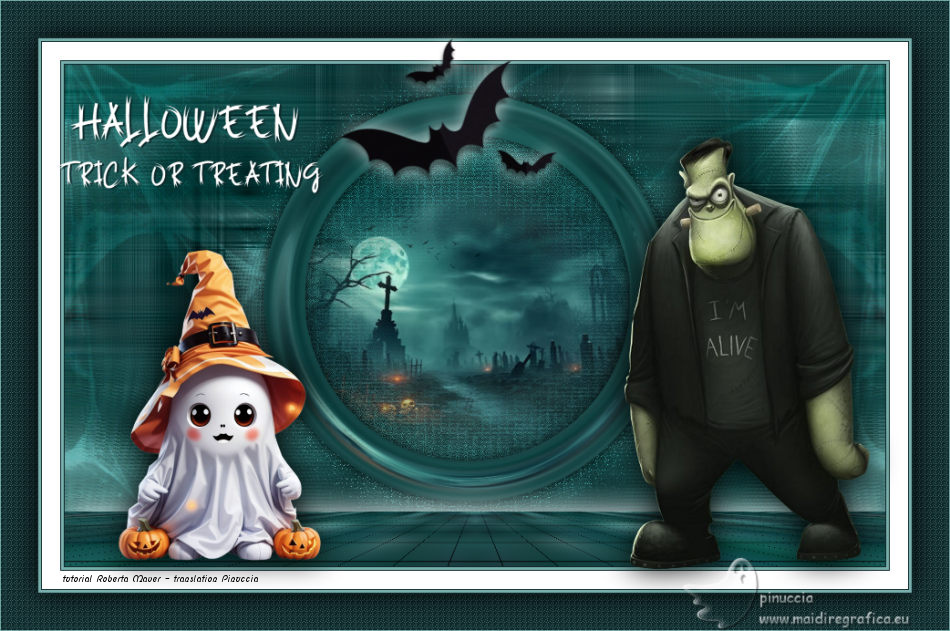
HALLOWEEN TRICK OR TRAITING

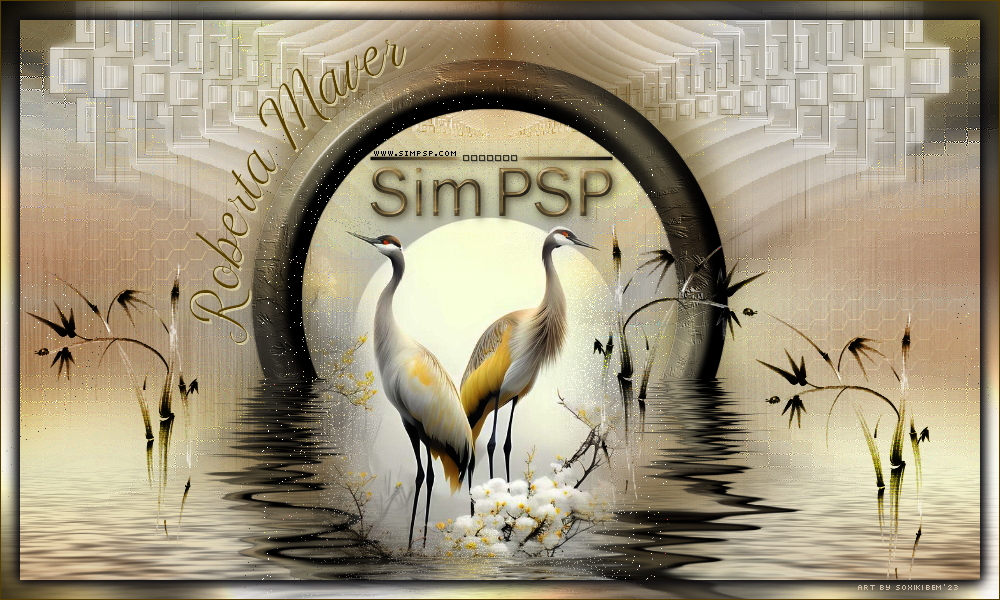
Thanks SIM PSP Group for your invitation to translate your tutorials into english
This tutorial was written with Psp2020 and translated with Psp019, but it can also be made using other versions of PSP.
Since version PSP X4, Image>Mirror was replaced with Image>Flip Horizontal,
and Image>Flip with Image>Flip Vertical, there are some variables.
In versions X5 and X6, the functions have been improved by making available the Objects menu.
In the latest version X7 command Image>Mirror and Image>Flip returned, but with new differences.
See my schedule here
For this tutorial, you will need:

Material by Roberta Maver.
(The links of the tubemakers here).
Plugins
consult, if necessary, my filter section here
Filters Unlimited 2.0 here
&<Bkg Designer sf10I> - Convergance (to import in Unlimited) here
Mura's Meister - Pole Transform here
Mura's Meister - Perspective Tiling here
Toadies - Ommadawn here
Distortion Filters - Scanline Shifter (to import in Unlimited) here
Special Effects - Plastic Surface - resident in Unlimited
Filters Toadies can be used alone or imported into Filters Unlimited.
(How do, you see here)
If a plugin supplied appears with this icon  it must necessarily be imported into Unlimited it must necessarily be imported into Unlimited

You can change Blend Modes according to your colors.
In the newest versions of PSP, you don't find the foreground/background gradient (Corel_06_029).
You can use the gradients of the older versions.
The Gradient of CorelX here

1. Choose 2 colors from your material.
Set your foreground color to #78afac
and your background color to #0f292b
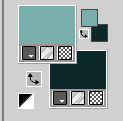
color 3 #ffffff
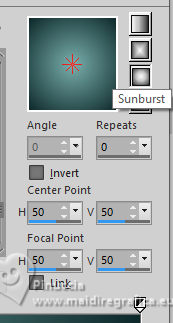
Set your foreground color to a Foreground/Background Gradient, style Sunburst.
2. Open a new transparent image 900 x 550 pixels.
Flood Fill  the transparent image with your Gradient. the transparent image with your Gradient.
3. Effects>Plugins>Filters Unlimited 2.0 - Special Effects - Plastic Surface, default settings
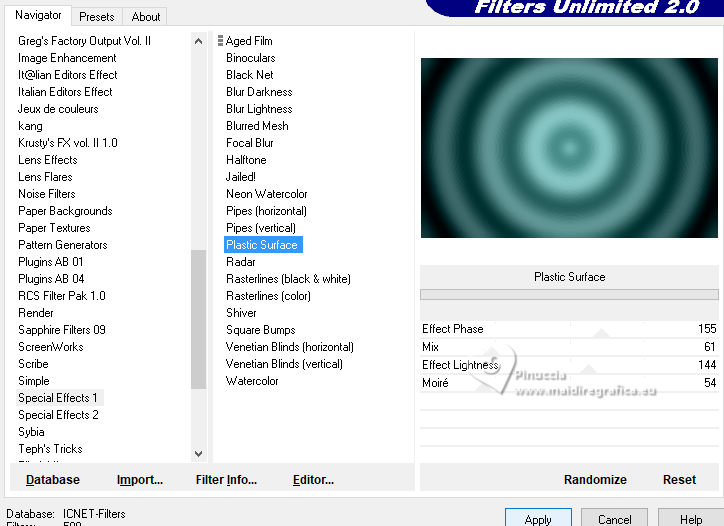
Effects>Edge Effects>Enhance.
4. Effects>Image Effects>Seamless Tiling, default settings.
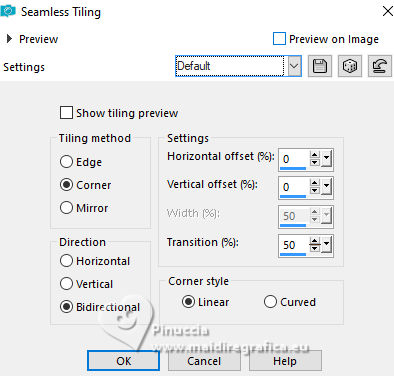
Layers>Duplicate.
5. Effects>Plugins>Filters Unlimited 2.0 - &<Bkg Designer sf10I> - Convergance, default settings.
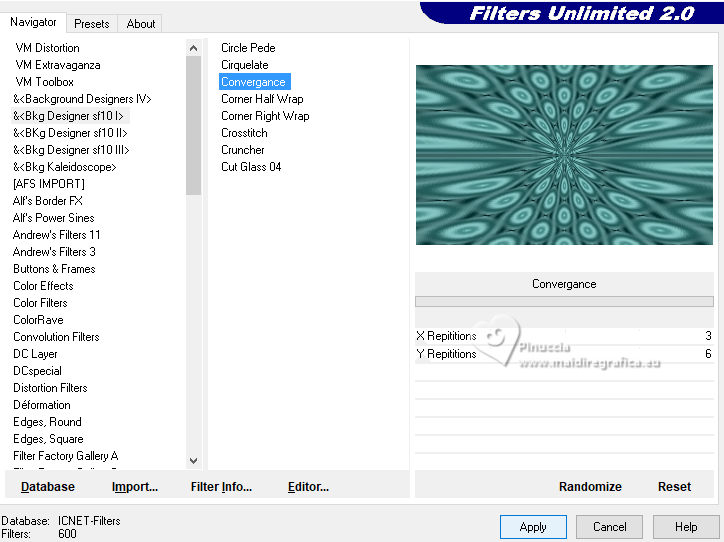
Change the Blend Mode of this layer to Multiply and reduce the opacity to 35%.

6. Open Deco_Halloween_ByRobertaMaver 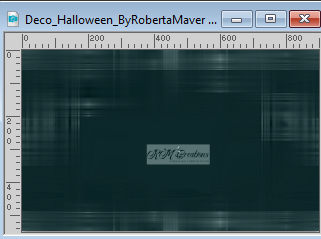
Erase the watermark and go to Edit>Copy.
Go back to your work and go to Edit>Paste as new layer.
Keep the Blend Mode of this layer to Luminance (legacy).

7. Open Deco01_Halloween_ByRobertaMaver 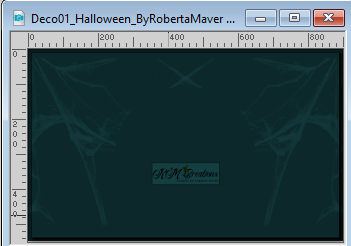
Erase the watermark and go to Edit>Copy.
Go back to your work and go to Edit>Paste as new layer.
Objets>Align>Top.
Keep the Blend Mode of this layer to Overlay.
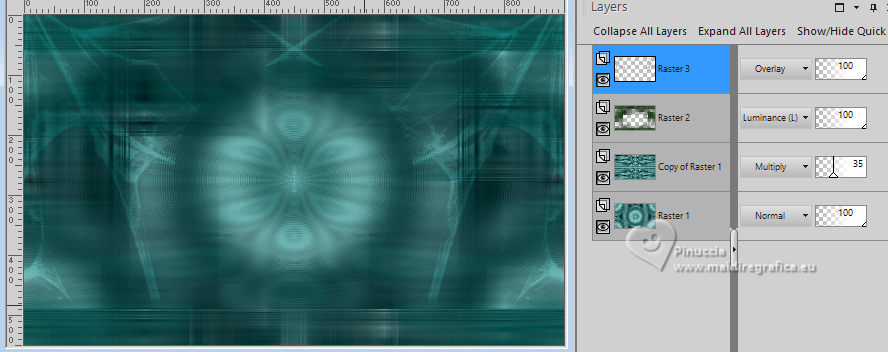
8. Open the misted Paisagem05_byRobertamaver 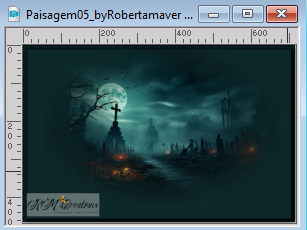
Edit>Copy.
Go back to your work and go to Edit>Paste as new layer.
Image>Resize, if necessary - for me to 80% - resize all layers not checked.
Adjust>Sharpness>Sharpen.
Place  the tube in the center. the tube in the center.
(Objets>Align>Center in Canvas)
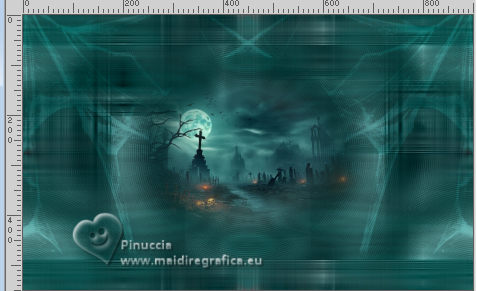
Edit>Copy Special>Copy Merged.
Edit>Paste as new layer.
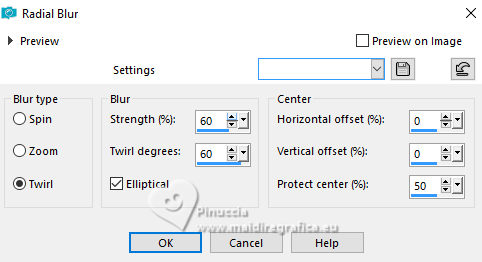
9. Adjust>Blur>Radial Blur.
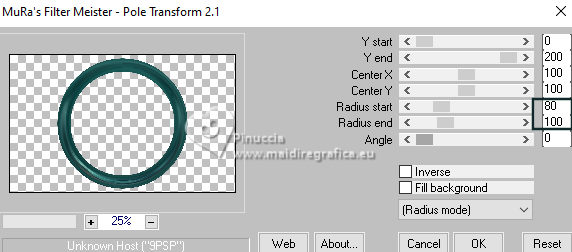
10. Effects>Plugins>Mura's Meister - Pole Transform.
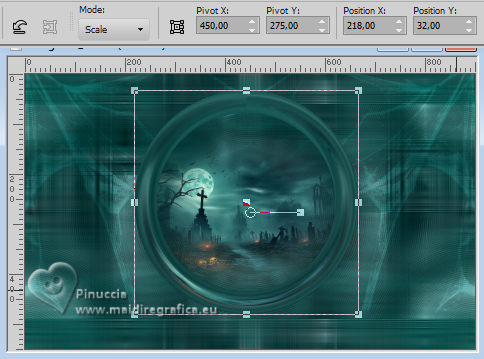
Image>Resize, to 85%, resize all layers not checked.
K key to activate your Pick Tool 
and set Position X: 218,00 and Position Y: 32,00.
11. Layers>Duplicate.
Image>Resize, to 82%, resize all layers not checked.
Adjust>Blur>Gaussian Blur - radius 20.
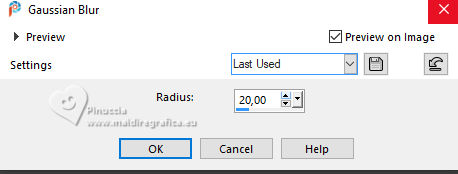
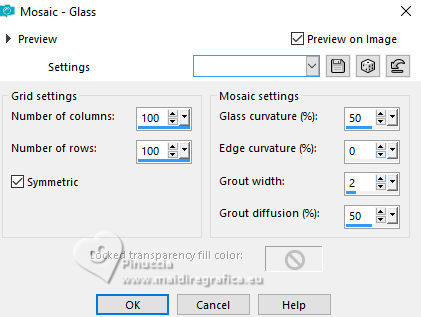
12. Effects>Texture Effects>Mosaic - Glass.
Effects>Edge Effects>Enhance.
Layers>Arrange>Move Down - 2 times.
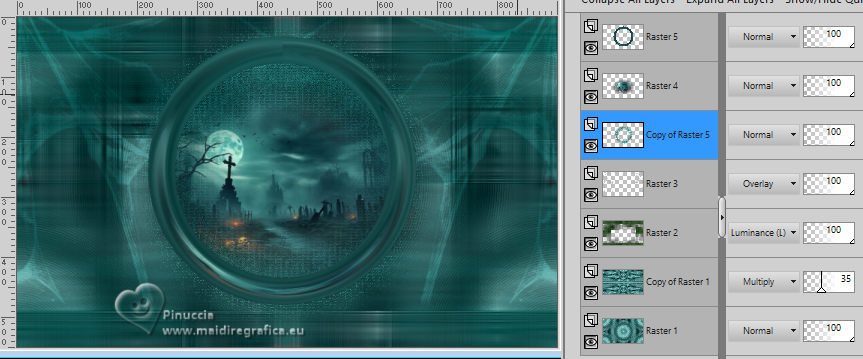
13. Activate your top layer.
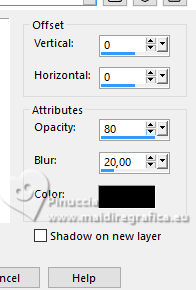
Effects>3D Effects>Drop Shadow, colore #000000.
Edit>Copy Special>Copy Merged.
Edit>Paste as new layer.
14. Effects>Plugins>Toadies - Ommadawn, default settings.
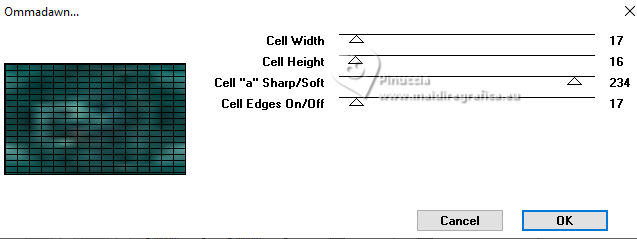
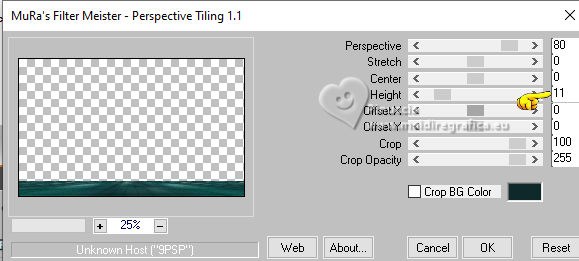
15. Effects>Plugins>Mura's Meister - Perspective Tiling.
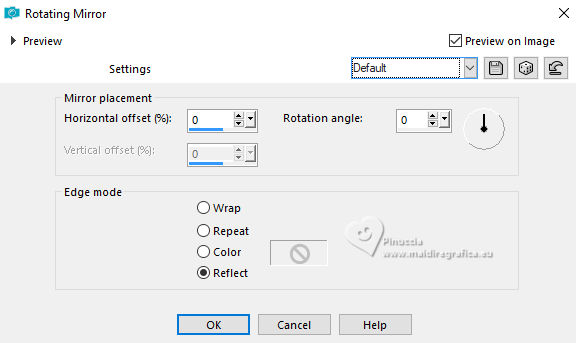
Effects>Reflection Effects>Rotating Mirror, default settings.
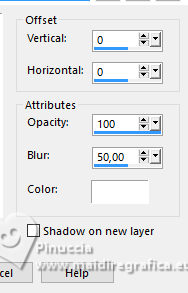
Effects>3D Effects>Drop Shadow, color #ffffff.
16. Activate your bottom layer, Raster 1.
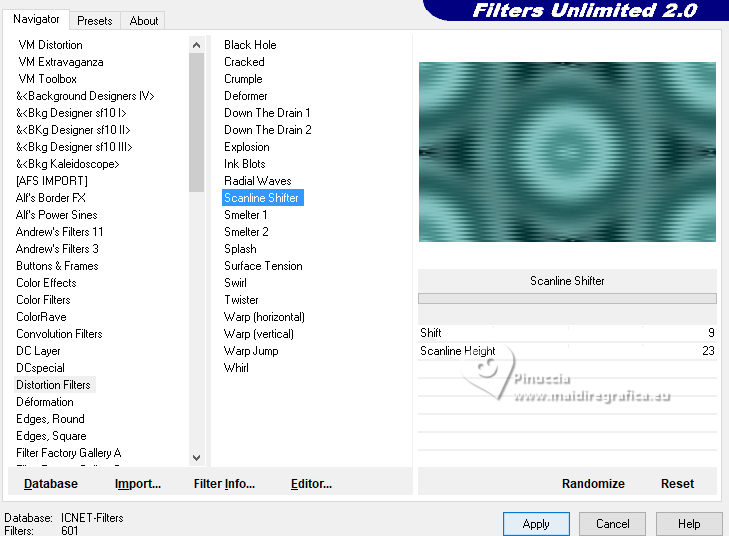
Effects>Plugins>Filters Unlimited 2.0 - Distortion Filters - Scanline Shifter, default settings.
17. Image>Add borders, 1 pixel, symmetric, background color #0f292b.
Image>Add borders, 3 pixels, symmetric, foreground color #78afac.
Image>Add borders, 1 pixel, symmetric, background color #0f292b.
Image>Add borders, 20 pixels, symmetric, background color #ffffff.
Image>Add borders, 1 pixel, symmetric, background color #0f292b.
Image>Add borders, 3 pixels, symmetric, foreground color #78afac.
Image>Add borders, 1 pixel, symmetric, background color #0f292b.
Selections>Select All.
Image>Add borders, 40 pixels, symmetric, background color #0f292b.
Selections>Invert.
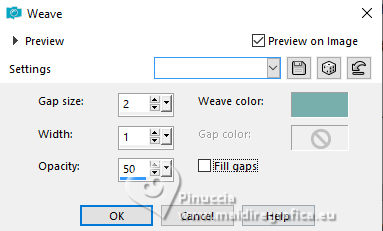
18. Effects>Texture Effects>Weave
weave color: foreground color
Selections>Invert.
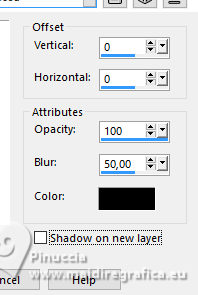
Effects>3D Effects>Drop Shadow, color #000000.
Selections>Select None.
19. Open Halloween01_byRobertaMaver 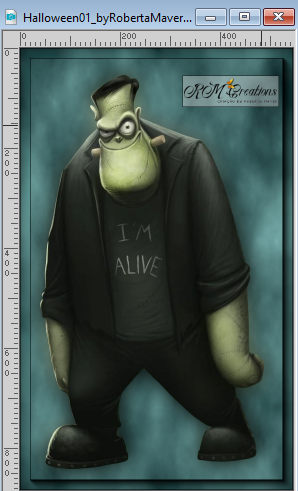
Erase the watermark and go to Edit>Copy.
Fo back to your work and go to Edit>Paste as new layer.
Image>Resize, to 60%, resize all layers not checked.
Move the tube to the right side.
Effects>3D Effects>Drop Shadow, at your choice.
20. Open Halloween02_byRobertaMaver 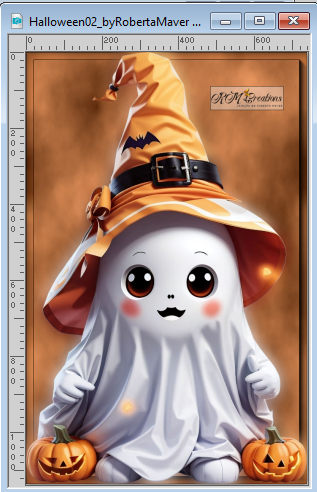
Erase the watermark and go to Edit>Copy.
Fo back to your work and go to Edit>Paste as new layer.
Image>Resize, to 30%, resize all layers not checked.
Move the tube to the left side.
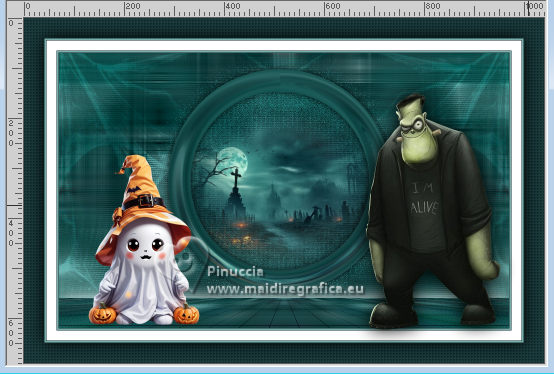
Effects>3D Effects>Drop Shadow, at your choice.
21. Open Halloween03_byRobertaMaver 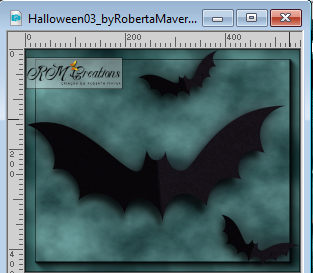
Erase the watermark and go to Edit>Copy.
Fo back to your work and go to Edit>Paste as new layer.
Image>Resize, to 40%, resize all layers not checked.
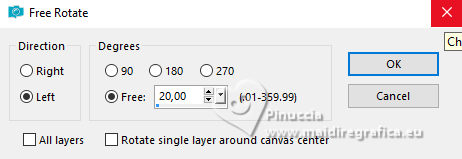
Rotate slightly to the left; I made:
Image>Free Rotate - 20 degrees to left
Move the tube up.
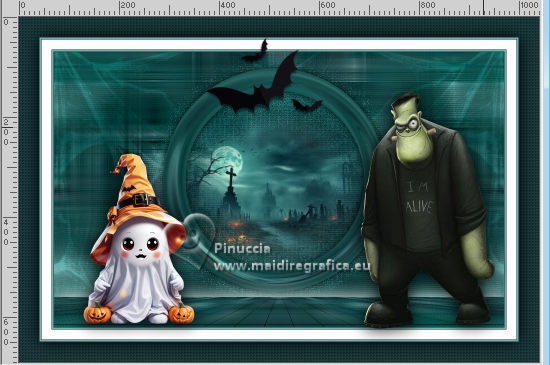
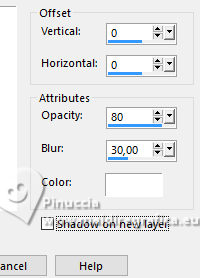
Effects>3D Effects>Drop Shadow, at your choice.
I made:
22. Open Titulo_Halloween_ByRoberta 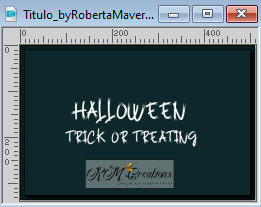
Edit>Copy
Go back to your work and go to Edit>Paste as new layer.
Move at the upper left, or to your liking.
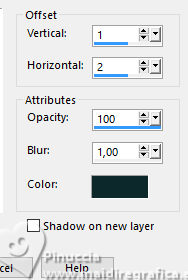
Effects>3D Effects>Drop Shadow, background color #0f292b
21. Image>Add borders, 1 pixel, symmetric, foreground color #78afac.
22. Image>Resize, if you want, resize all layers not checked.
Sign your work and save as jpg.
For the cat of this version thanks Sassydeb
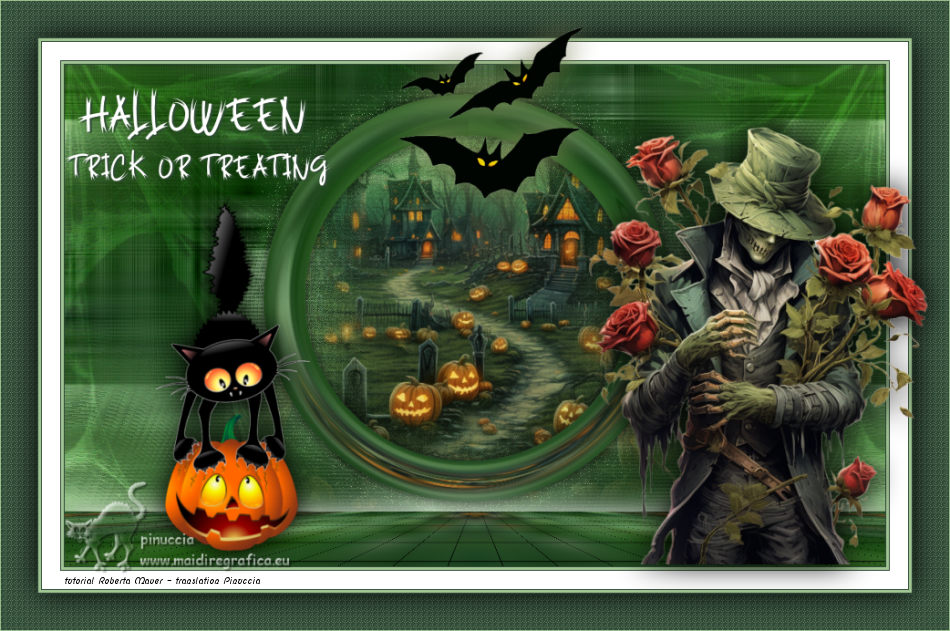
Your versions. Thanks
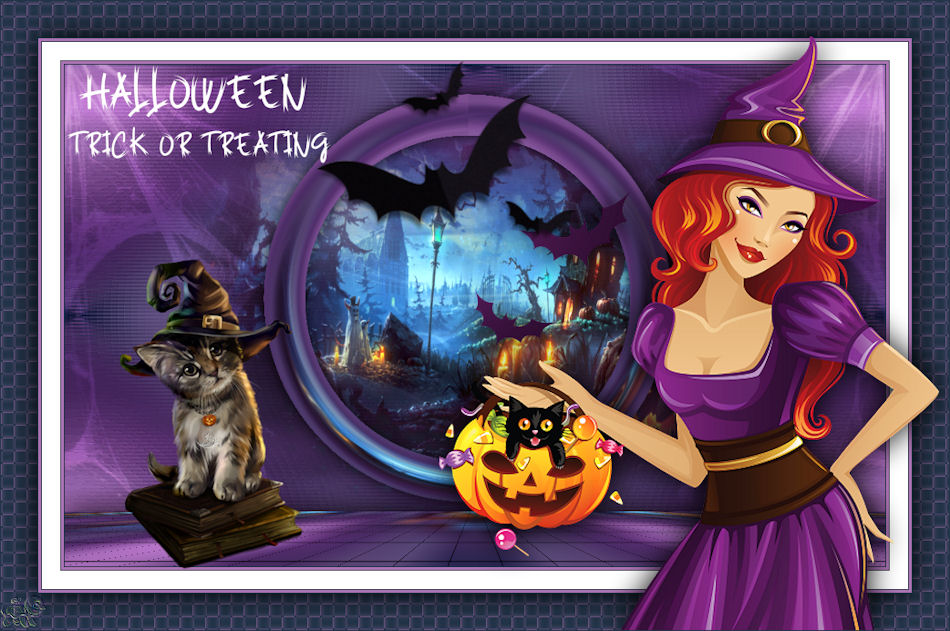
Pia
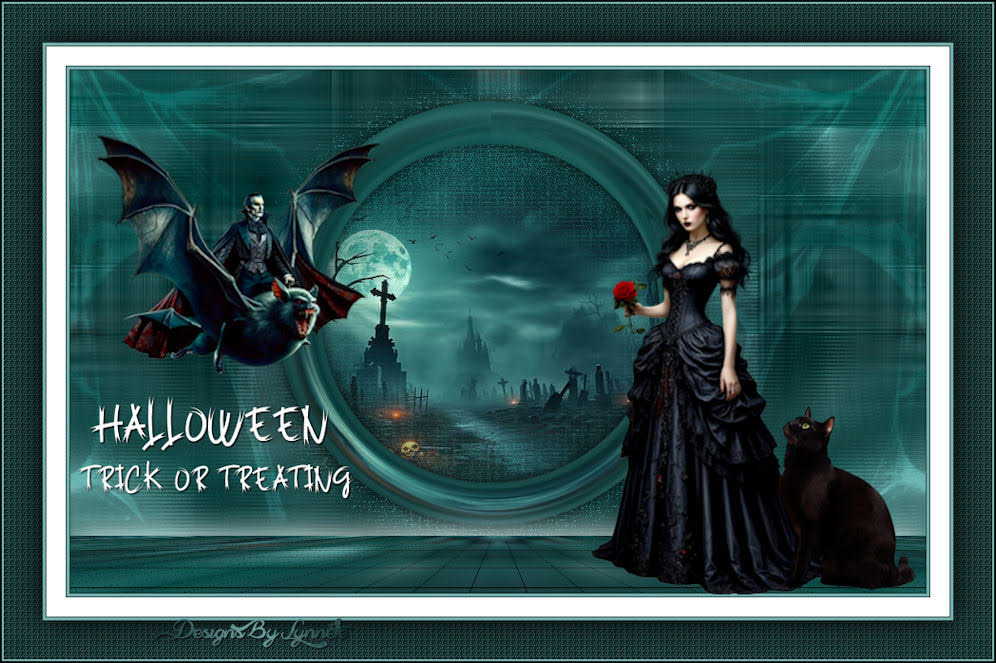
Lynnette

If you have problems or doubts, or you find a not worked link, or only for tell me that you enjoyed this tutorial, write to me.
13 October 2023

|