|
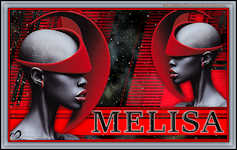
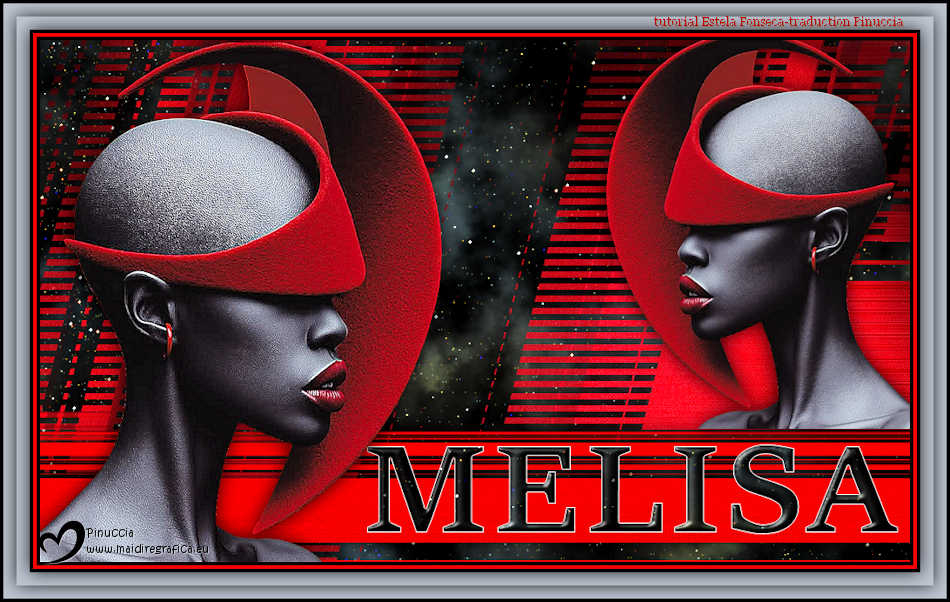
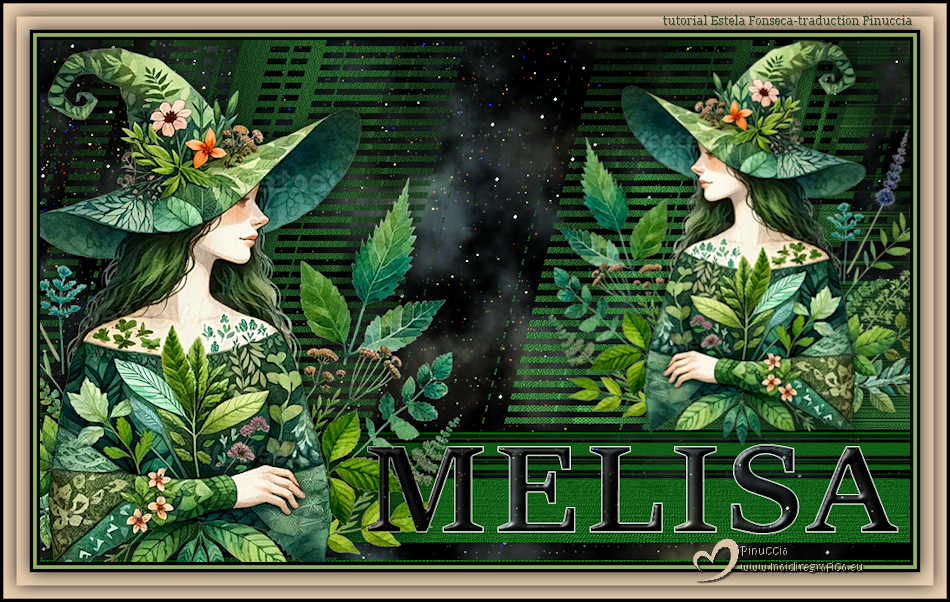
MELISA

Thanks Estela for your invitation to translate your tutorials into english
This tutorial, created with PSP2022, was translated with PspX7, but it can also be made using other versions of PSP.
Since version PSP X4, Image>Mirror was replaced with Image>Flip Horizontal,
and Image>Flip with Image>Flip Vertical, there are some variables.
In versions X5 and X6, the functions have been improved by making available the Objects menu.
In the latest version X7 command Image>Mirror and Image>Flip returned, but with new differences.
See my schedule here
 French Translation here French Translation here
 Your versions here Your versions here

For this tutorial, you will need:

For the tube thanks Renée
(The links of the tubemakers here).
consult, if necessary, my filter section here
Filters Unlimited 2.0 here
Flaming Pear - Glitterato here
DSB Flux - Linear Transmission here
Graphics Plus - Cross Shadow here
Mura's Meister - Perspective Tiling here
FM Tile Tools - Saturation Emboss qui
Filters Graphics Plus can be used alone or imported into Filters Unlimited.
(How do, you see here)
If a plugin supplied appears with this icon  it must necessarily be imported into Unlimited it must necessarily be imported into Unlimited

You can change Blend Modes according to your colors.
Copy the Selection in the Selection Folder.
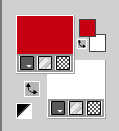
Set your foreground color to #c50013
and your background color to #ffffff
1. Open a new transparent image 1000 x 600 pixels.
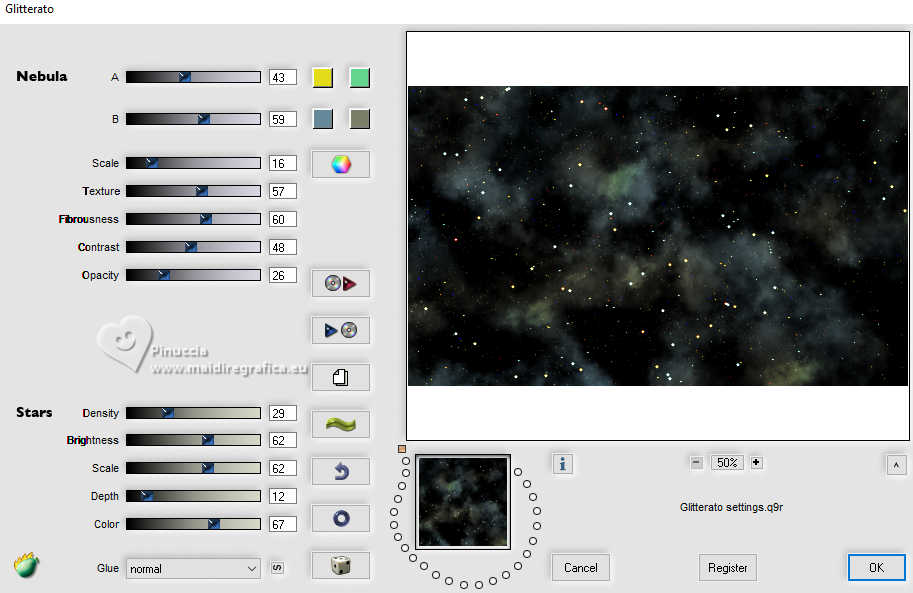
2. Effects>Plugins>Flaming Pear - Glitterato, default settings
3. Layers>New Raster Layer.
Selections>Load/Save Selection>Load Selection from Disk.
Look for and load the selection Melisa_1
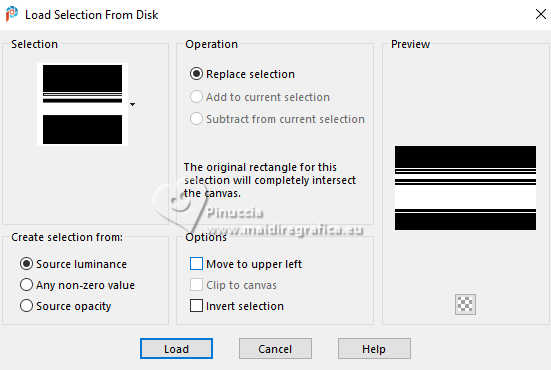
Flood Fill  the selection with your foreground color #c50013. the selection with your foreground color #c50013.
Sélections>Désélectionner tout.
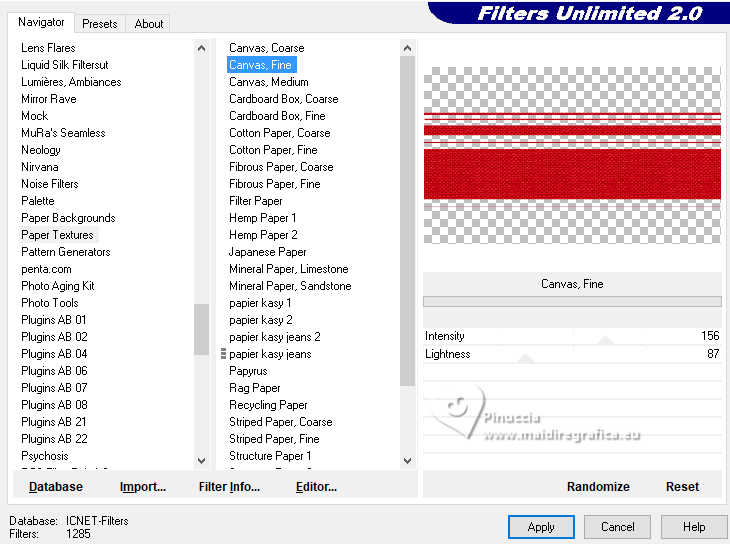
4. Effects>Plugins>Filters Unlimited 2.0 - Paper Texture - Canvas Fine, default settings.
Layers>Duplicate.
Close this layer.
5. Activate the layer below, Raster 2.
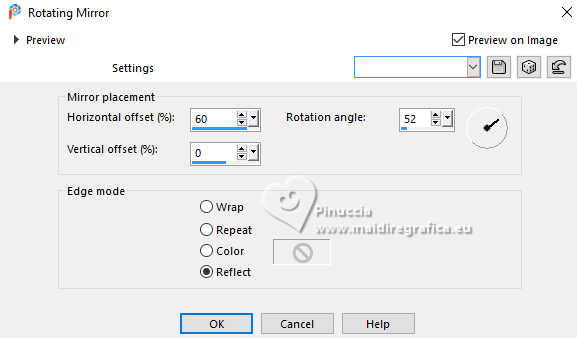
Effects>Reflection Effects>Rotating Mirror.
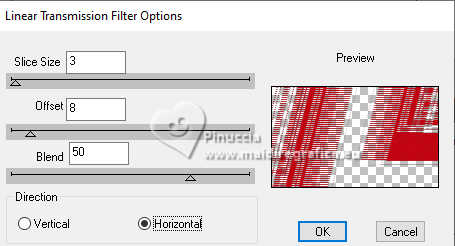
6. Effects>Plugins>DSB Flux - Linear Transmission.
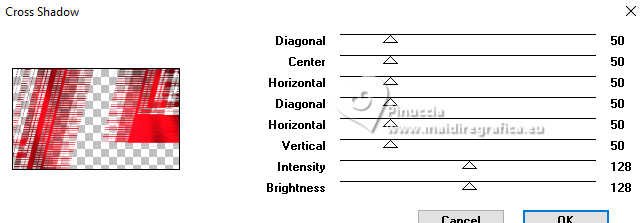
7. Effects>Plugins>Graphics Plus - Cross Shadow, default settings.
8. Open and activate the layer above, Copy of Raster 2.
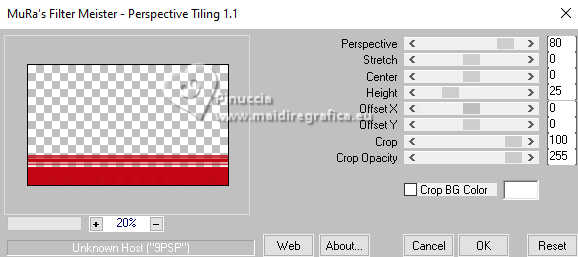
Effects>Plugins>Mura's Meister - Perspective Tiling.
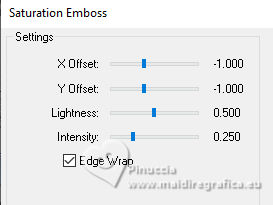
9. Effects>Plugins>FM Tile Tools - Saturation Emboss, default settings.
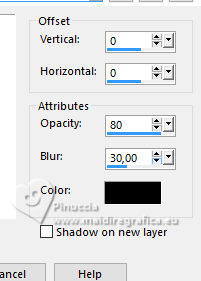
10. Effects>3D Effects>Drop Shadow, color #000000.
11. Open EF-Melisa_Texto 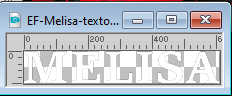
Edit>Copy.
Go back to your work and go to Edit>Paste as new layer.
12. K key to activate your Pick Tool 
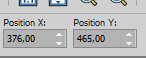
Position X: 376,00 - Position Y: 465,00.
M key to deselect the Tool.
13. Selections>Select All.
Selections>Float
Selections>Defloat.
Selections>Modify>Contract - 1 pixel.
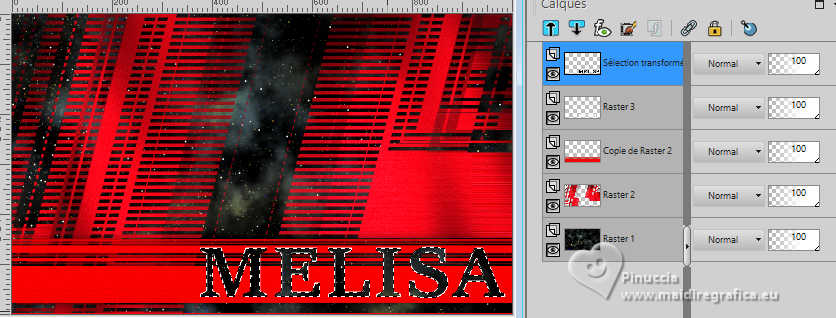
13. Activate your bottom layer.
Selections>Promote Selection to Layer.
Layers>Arrange>Bring to Top.
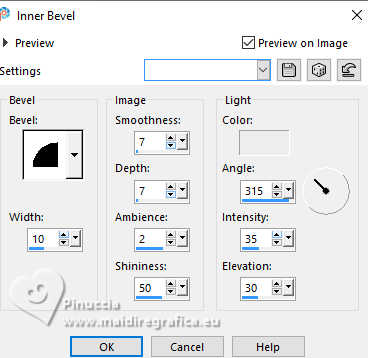
14. Effects>3D Effects>Inner Bevel, color #ffffff.
Selections>Select None.
15. Open the tube Renee-TUBES-Octobre-2026-3 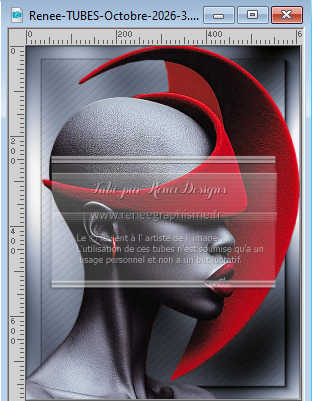
Edit>Copy.
Go back to your work and go to Edit>Paste as new layer.
Image>Resize, to 76%, resize all layers not checked.
Adjust>Sharpness>Sharpen.
Objects>Align>Bottom.
Objects>Aligner>Left.
16. Edit>Paste as new layer - the tube is still in memory.
Image>Mirror>Mirror Horizontal.
Image>Resize, to 58%, resize all layers not checked.
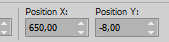
17. K key to activate your Pick Tool
Position X: 650,00 - Position Y: -8,00.
M key to deselect the Tool.
18. Effects>3D Effects>Drop Shadow, color #000000.
Activate the layer below, Raster 4.
Edit>Repeat Drop Shadow.
19. Image>Add Borders, 4 pixels, symmetric, color #000000.
Image>Add Borders, 4 pixels, symmetric, color #f80000.
Image>Add Borders, 4 pixels, symmetric, color #000000.
20. Selections>Select All.
Image>Add Borders, 30 pixels, symmetric, color #bdc4d0.
Effects>3D Effects>Drop Shadow, last settings.
Image>Add Borders, 4 pixels, symmetric, color #000000.
21. Selections>Select All.
Selections>Modify>Contract - 19. Pixels.
22. Effects>3D Effects>Drop Shadow, last settings.
Selections>Select none.
23. Sign your work on a new layer.
Layers>Merge>Merge All.
Image>Resize, 900 pixels width, resize all layers checked.
Save as jpg.
If you have problems or doubts, or you find a not worked link,
or only for tell me that you enjoyed this tutorial, write to me.
19 October 2026

|