|
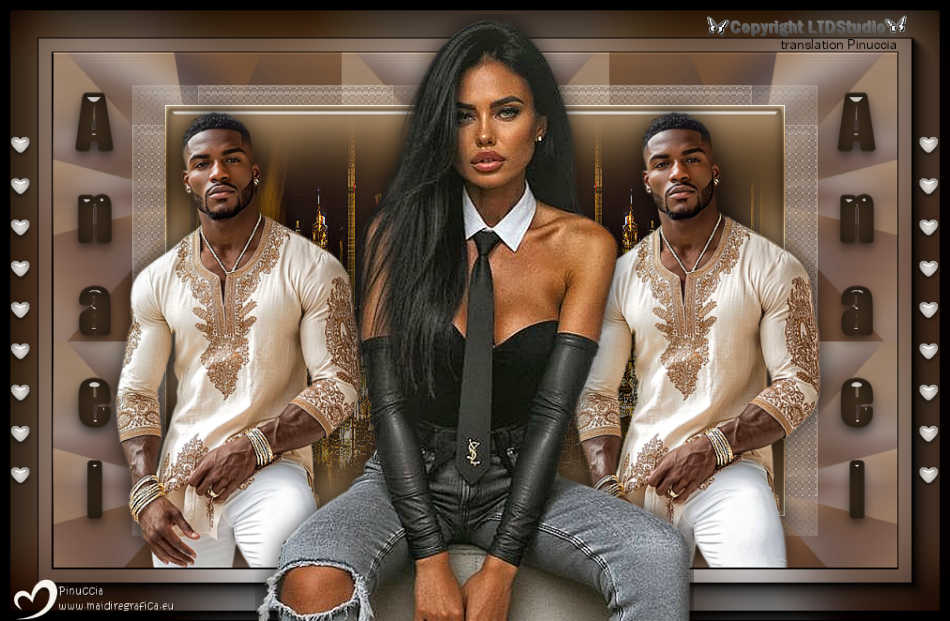
ANAEL 

This tutorial, was created with PSPX9 and translated with PSP2020, but it can also be made using other versions of PSP.
For this tutorial, you will need:  Thanks for the tubes Beatriz. The rest of the material is by Lady Tess. (you find here the links to the material authors' sites)  consult, if necessary, my filter section here Filters Unlimited 2.0 here Mehdi - Wavy Lab here Filter Factory Gallery D - Shoutin here Simple - Top Left Mirror here Toadies - What are you here Alien Skin Eye Candy 5 Impact - Glass here AAA Frames - Foto Frame here Filters Toadies and Factory Gallery can be used alone or imported into Filters Unlimited. (How do, you see here) If a plugin supplied appears with this icon  it must necessarily be imported into Unlimited it must necessarily be imported into Unlimited You can change Blend Modes according to your colors.  Copy the Selection in the Selection Folder. Copy the pattern motif gold_2_2MM in the Patterns Folder. Colors 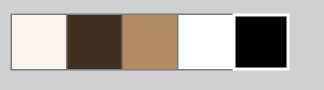 1. Set your foreground color to #f9f3ed, and your background color to #41301f. 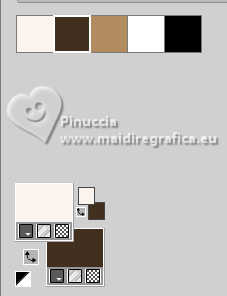 color 3: #b28c60 color 4: #ffffff color 5: #000000 2. Open a new transparent image 900 x 550 pixels. Effects>Plugins>Mehdi - Wavy Lab This filter creates gradients with the colors of your Materials palette. The first is your background color, the second is your foreground color. Change the last color created by the filter with the color 3 #b28c60 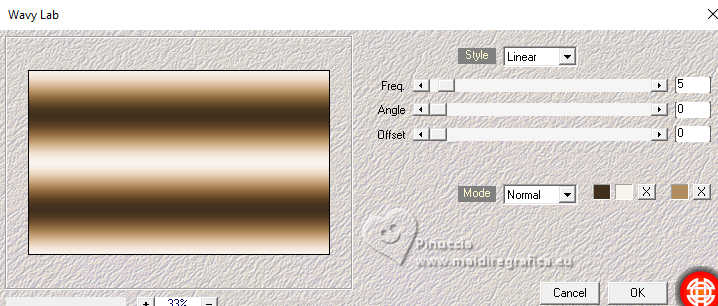 Layers>Duplicate. Adjust>Blur>Gaussian Blur - radius 35. 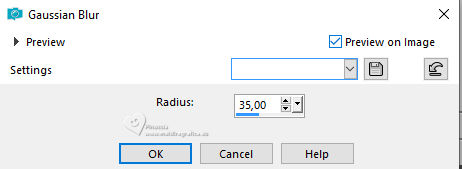 3. Effects>Plugins>Filters Unlimited 2.0 - Filter Factory Gallery D - Shoutin'! 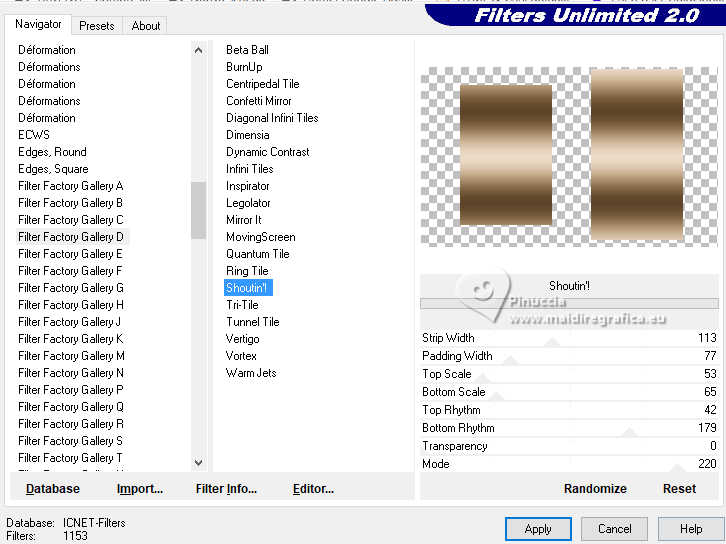 Effects>Reflection Effects>Rotating Mirror. 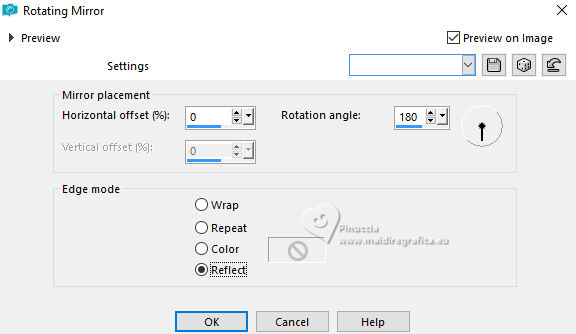 4. Effects>Plugins>Simple - Top Left Mirror. 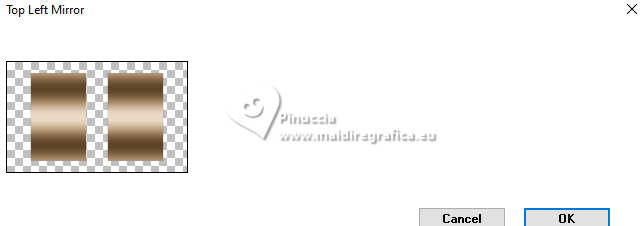 Effects>Edge Effects>Enhance. Selections>Load/Save Selection>Load Selection from Disk. Look for and load the selection Anael_sel_1 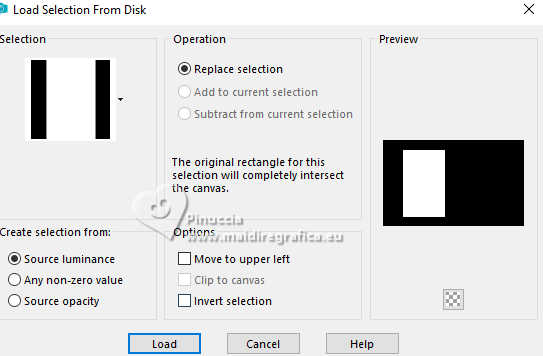 5. Layers>New Raster Layer. Open 1299-night-LB TUBES 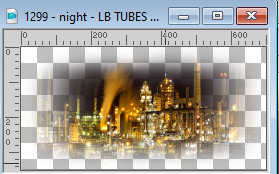 Edit>Copy. Go back to your work and go to Edit>Paste into Selection. Effects>Edge Effects>Enhance. 6. Effects>Plugins>Alien Skin Eye Candy 5 Impact - Glass. 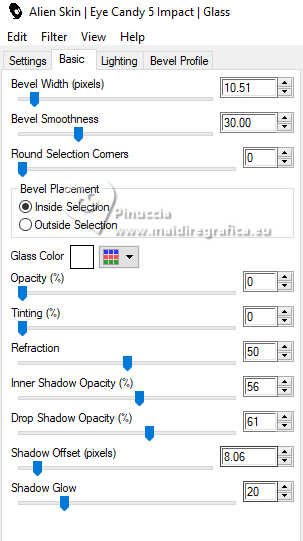 Selections>Select None. Layers>Duplicate. Image>Mirror>Mirror Horizontal. Layers>Merge>Merge Down - 2 times. Layers>Duplicate. 7. Effects>Plugins>Filters Unlimited 2.0 - Toadies - What Are you, default settings. 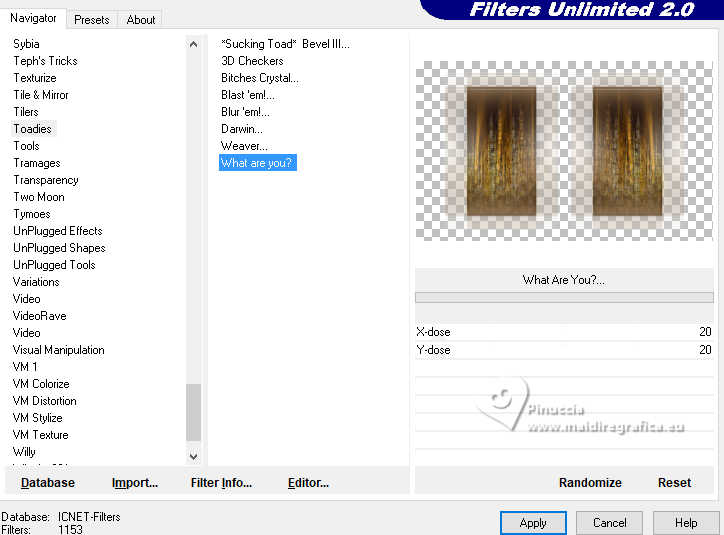 Layers>Arrange>Move Down. 8. We have this  9. Activate the layer Raster 1. Effects>Texture Effects>Sculpture - select the pattern motif_gold_2_MM.  Effects>Reflection Effects>Rotating Mirror, same settings. 10. Open 4992-man-LBTUBES  Edit>Copy. Go back to your work and go to Edit>Paste as new layer. Layers>Arrange>Bring to Top. Image>Resize, to 80%, resize all layers not checked. K key to activate your Pick Tool  Position X: 66,00 - Position Y: 62,00.  M key to deselect the Tool. 11. Effects>3D Effect>Drop Shadow, color #000000.  Layers>Duplicate. K key to activate your Pick Tool Position X: 532,00 - Position Y: 38,00.  M key to deselect the Tool. Result:  12. Activate the layer Copy(2) of Raster 1. Effects>Texture Effects>Weave weave color: background color #41301f, gap color: foreground color #f9f3ed.  Adjust>Sharpness>Sharpen (optional). 13. We have this  14. Image>Add Borders, 1 pixel, symmetric, color #000000. Edit>Copy. Edit>Paste as new image, and minimize this image. Go back to your work. Selections>Select All. Image>Add Borders, 55 pixels, symmetric, color #ffffff. Selections>Invert. 15. Edit>Paste into Selection - the minimized image is still in memory. Adjust>Blur>Gaussian Blur - radius 40.  Effects>Plugins>AAA Frames - Foto Frame.  16. Repeat Effects>Plugins>AAA Frames - Foto Frame width 10.  Selections>Select None. 17. Open 4985-woman-LBTUBES  Edit>Copy. Go back to your work and go to Edit>Paste as new layer. Move  the tube slightly down, see my final tag. the tube slightly down, see my final tag.Objects>Align>Horizontal Center. Effects>3D Effects>Drop Shadow, color #000000. 18. Open LTDStudio_Anael_Deco  Edit>Copy. Go back to your work and go to Edit>Paste as new layer. Objects>Align>Vertical Center. 19. Open LTDStudio>Anael>Texto  Edit>Copy. Go back to your work and go to Edit>Paste as new layer. Objects>Align>Vertical Center. 20. Sign your work on a new layer. Add the watermarks of the author and of the translator. Layers>Merge>Merge All and save as jpg. For the tubes of this version thanks Beatriz and Kamil    Your versions. Thanks Your versions. Thanks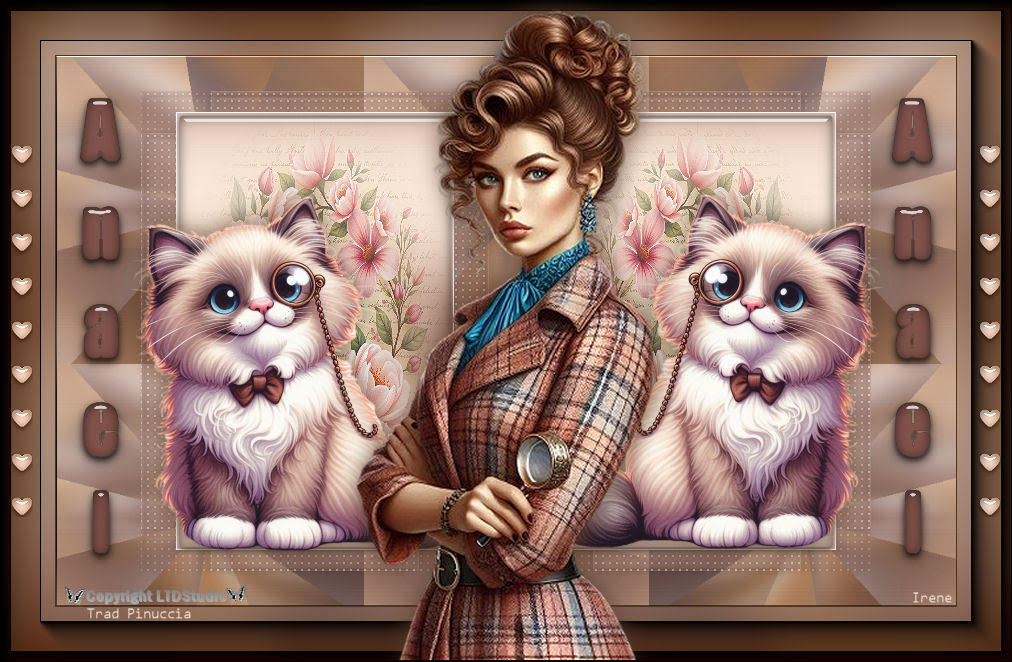 Irene 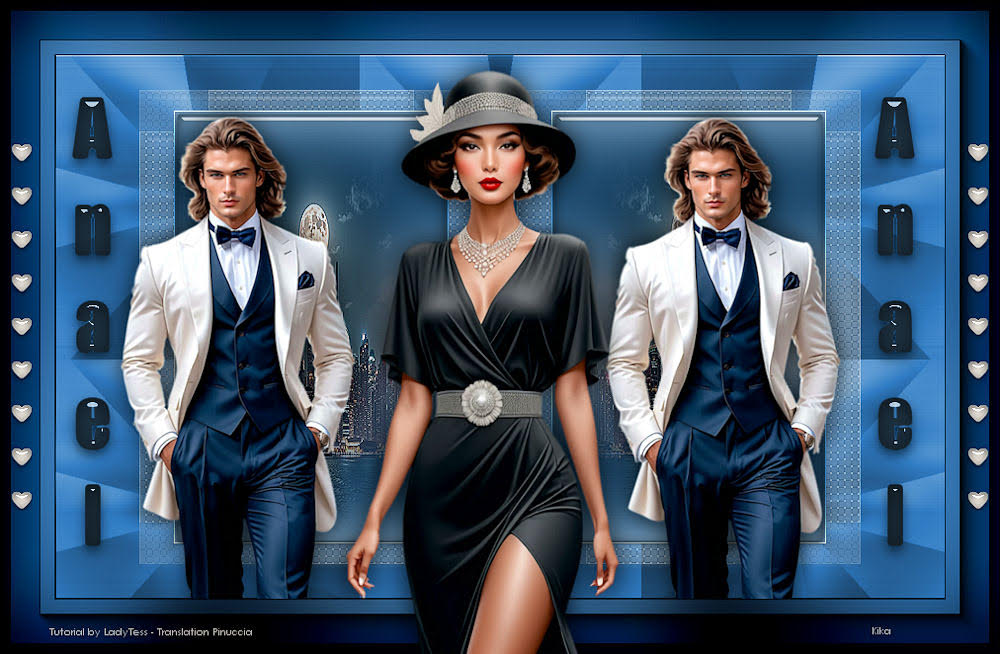 Kika 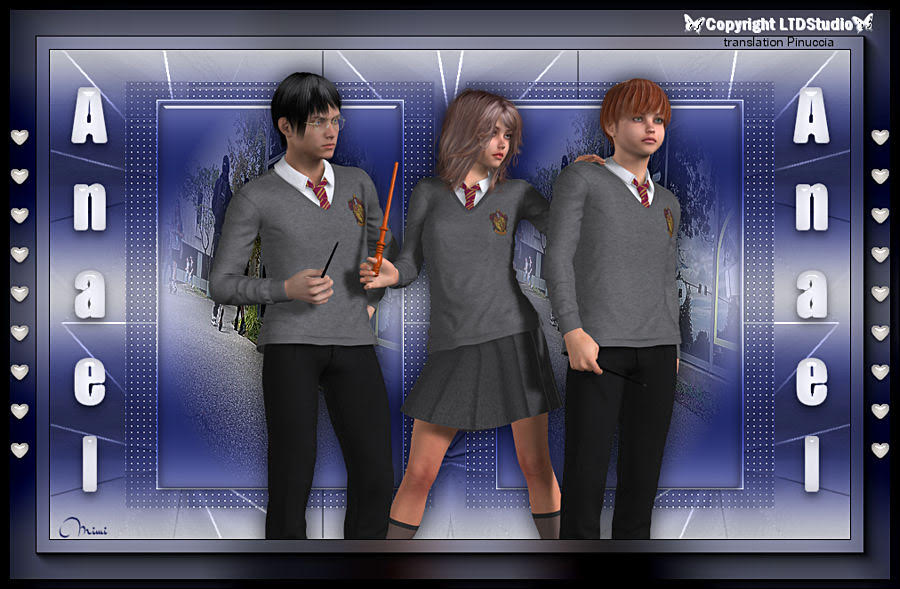 Mimi If you have problems or doubts, or you find a not worked link, or only for tell me that you enjoyed this tutorial, write to me. 30 June 2025 |