|
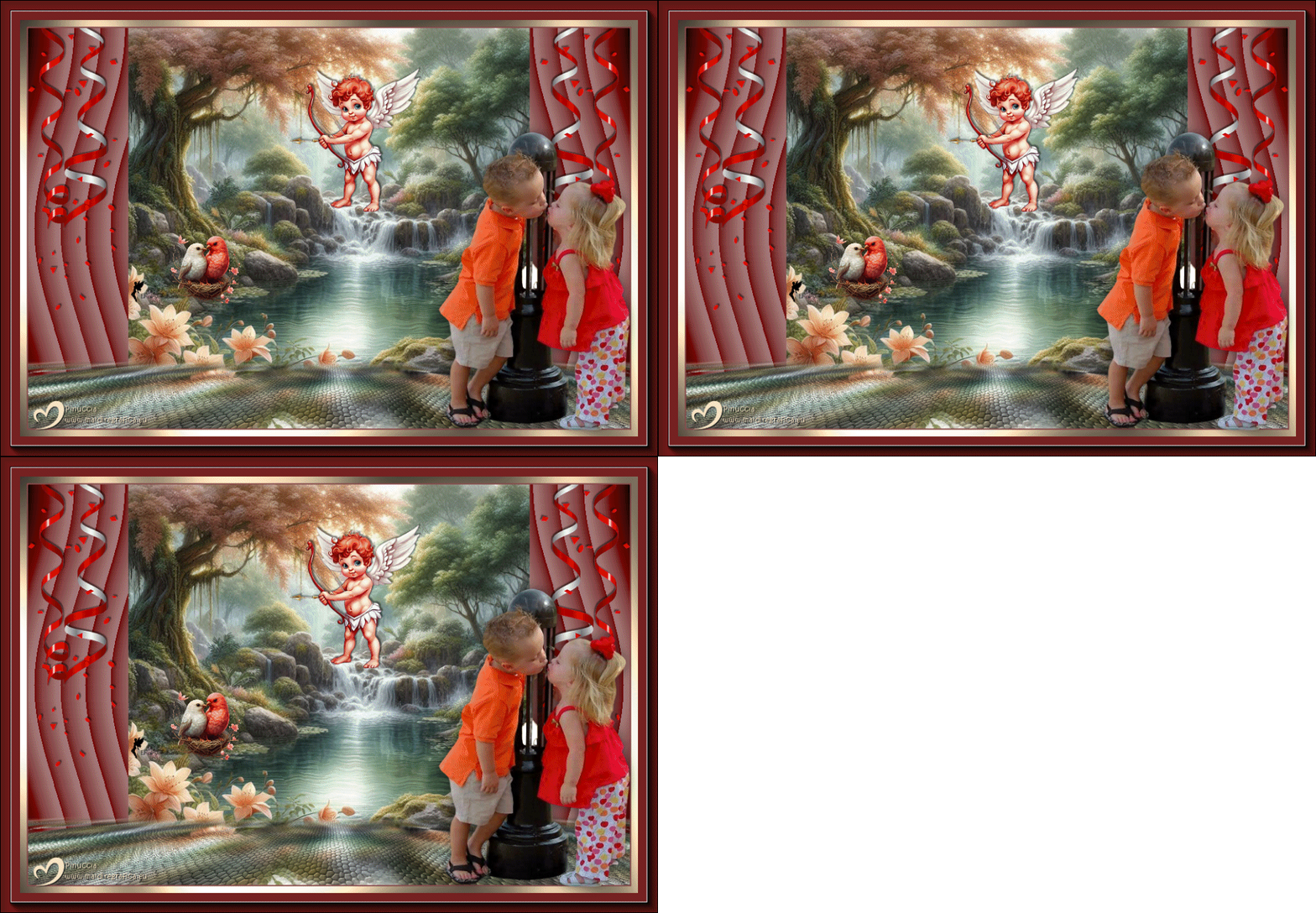
TAG PRIMER AMOR

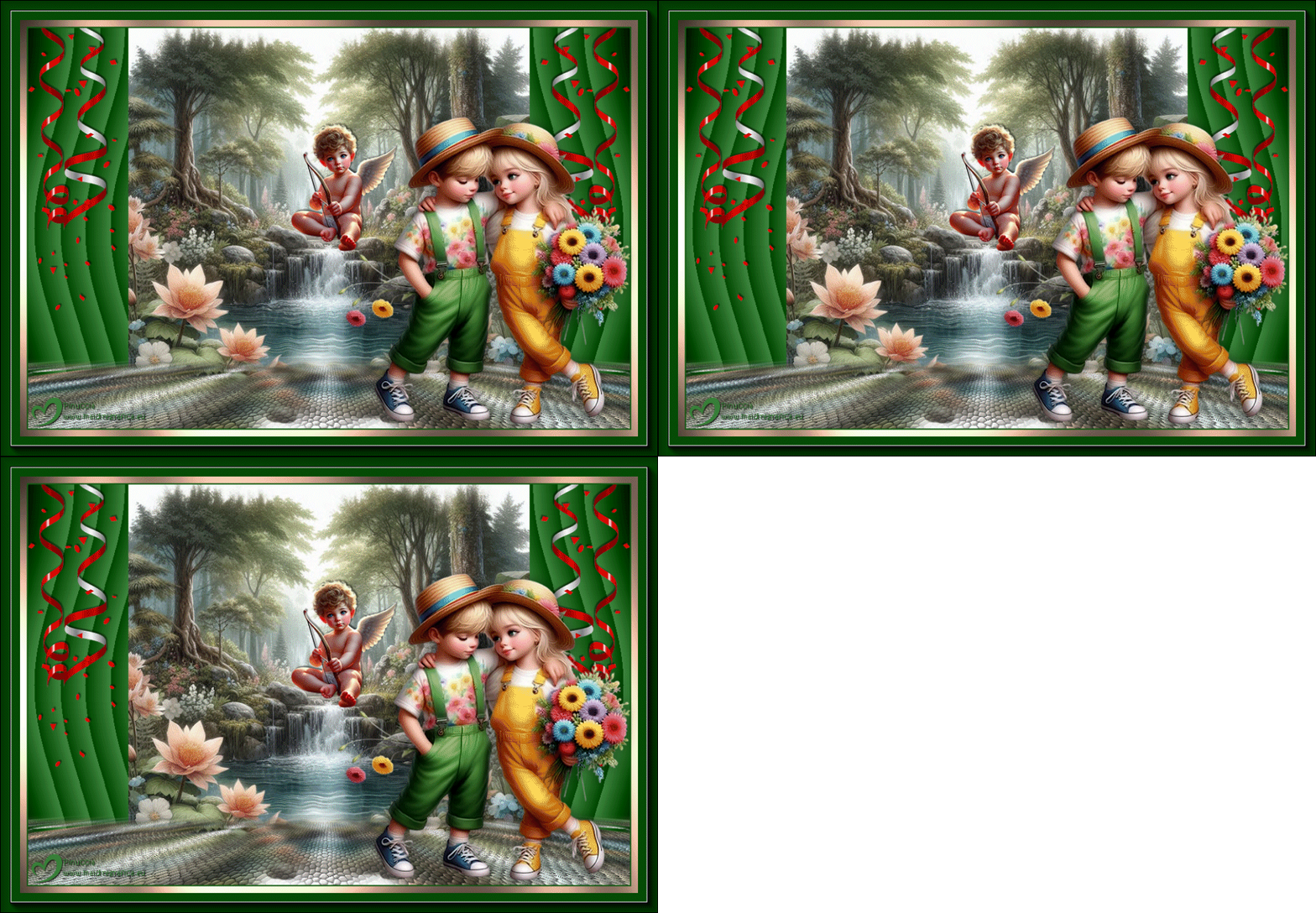

This tutorial was translated with PSP09 but it can also be made using other versions of PSP.
Since version PSP X4, Image>Mirror was replaced with Image>Flip Horizontal,
and Image>Flip with Image>Flip Vertical, there are some variables.
In versions X5 and X6, the functions have been improved by making available the Objects menu.
In the latest version X7 command Image>Mirror and Image>Flip returned, but with new differences.
See my schedule here
 French translation here French translation here
 Your versions here Your versions here
For this tutorial, you will need:

For the tubes thanks Luz Cristina, Wieskes and ElFairy.
(you find here the links to the material authors' sites)

consult, if necessary, my filter section here
Filters Unlimited 2.0 here
Tramages - Pool Shadow - here
Mura's Meister - Perspective Tiling here
Eye Candy 4000 - Jiggle here
Alf's Power Sines - Sines Dunes here
AAA Frames - Foto Frame here
Filters Alf's Power Sines and Tramages can be used alone or imported into Filters Unlimited.
(How do, you see here)
If a plugin supplied appears with this icon  it must necessarily be imported into Unlimited it must necessarily be imported into Unlimited
here

You can change Blend Modes according to your colors.

Copy the Selection in the Selections Folder.
1. Open a new transparent image 900 x 600 pixels.
2. Set your foreground color to white #ffffff.
Flood Fill  the transparent image with the color white. the transparent image with the color white.
3. Open the image paper EF(10) 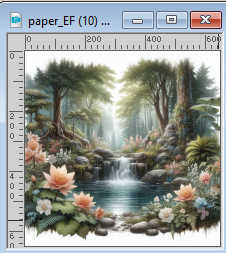
Edit>Copy.
Go back to your work and go to Edit>Paste as new layer.
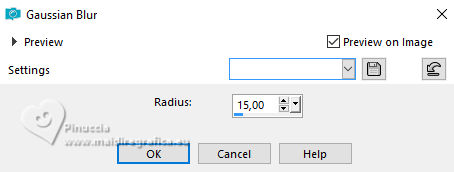
4. Adjust>Blur>Gaussian Blur - radius 15.
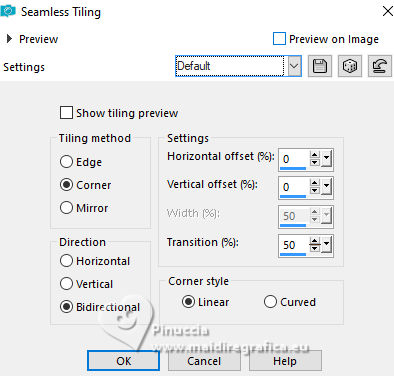
5. Effects>Image Effects>Seamless Tiling, default settings.
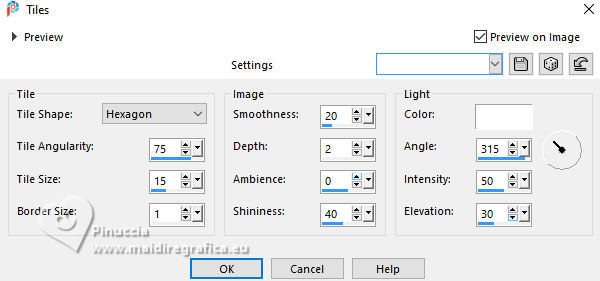
6. Effects>Texture Effects>Tiles - color #ffffff.
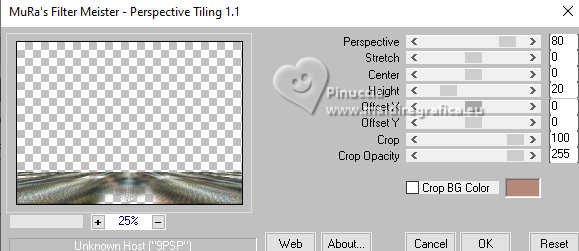
7. Effects>Plugins>Mura's Meister - Perspective Tiling
8. Activate your Magic Wand Tool  , tolerance and feather 20 , tolerance and feather 20

Click in the transparent part to select it.
Press 6 times CANC on the keyboard 
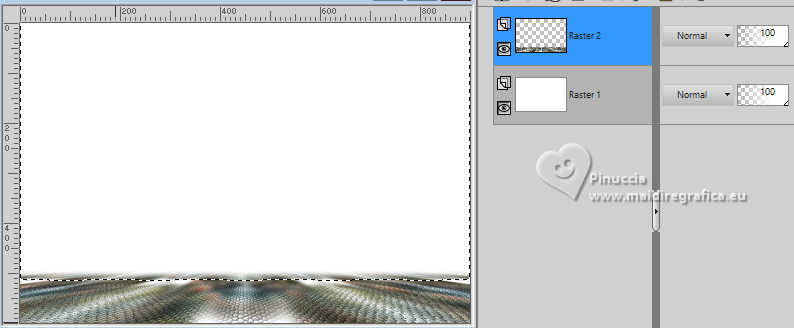
Selections>Select None.
don't forget to set again tolerance and feather of your Magic Wand Tool to 0
Edit>Paste as new layer - the image paper_EF (10) is still in memory.
9. Activate the layer Raster 1.
Selection Tool 
(no matter the type of selection, because with the custom selection your always get a rectangle)
clic on the Custom Selection 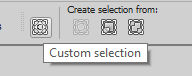
and set the following settings.
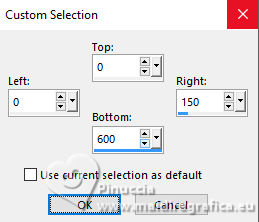
Selections>Promote Selection to Layer.
10. Effects>Plugins>Alf's Power Sines - Cosine Dunes
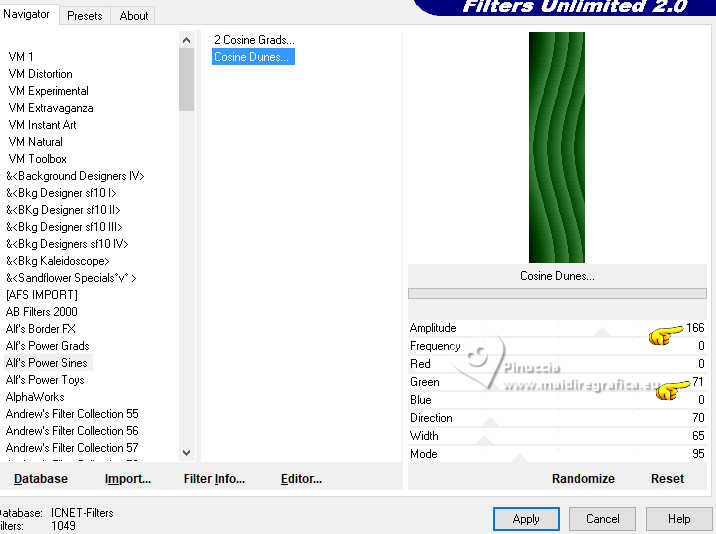
if you use other colors, adapt Red-Green-Bleu according to your colors.
11. Layers>Duplicate.
Image>Mirror>Mirror Horizontal (Image>Mirror).
12. Open Confetti001ef 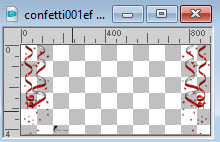
Erase the watermark and go to Edit>Copy.
Go back to your work and go to Edit>Paste as new layer.
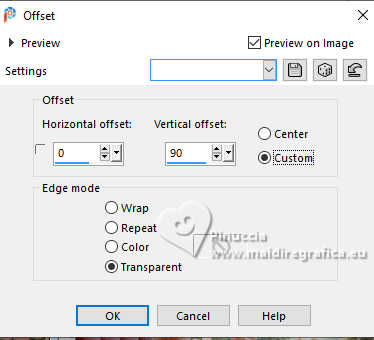
13. Effects>Image Effects>Offset.
14. Open the tube wieskes tube 2905 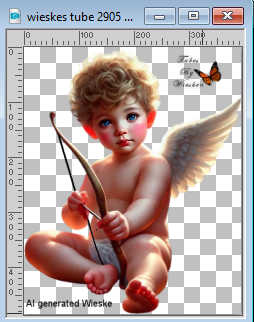
Erase the watermarks and go to Edit>Copy.
Go back to your work and go to Edit>Paste as new layer.
Image>Resize, 1 time to 50% and 1 time to 80%, resize all layers not checked.
Place  the tube in the center. the tube in the center.
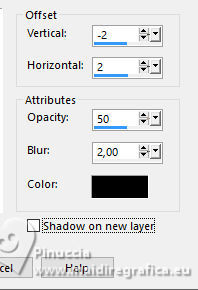
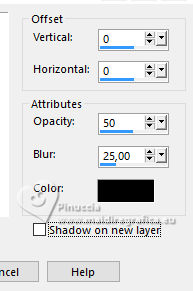
15. Effects>3D Effects>Drop Shadow, color #000000.
16. Sign your work on a new layer.
Add the watermark of the author and of the translator.
I prefer to add signatures at the end of the tutorial.
17. Layers>Merge>Merge All.
18. Image>Add borders, 2 pixels, symmetric, color #165d16.
Image>Add borders, 10 pixels, symmetric, color #edbea4.
19. Activate your Magic Wand Tool , tolerance and feather 0,
and click in the last border to select it.
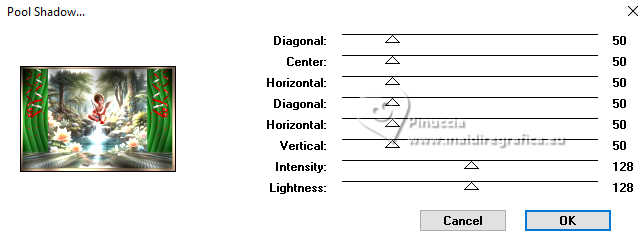
20. Effects>Plugins>Tramages - Pool Shadow, default settings.
Selections>Select None.
21. Image>Add borders, 30 pixels, symmetric, color #054c05.
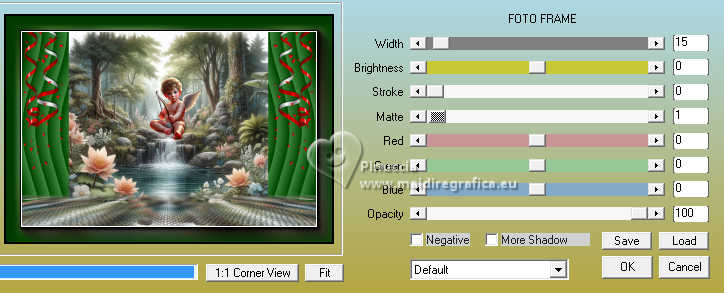
22. Effects>Plugins>AAA Frames - Foto Frame.
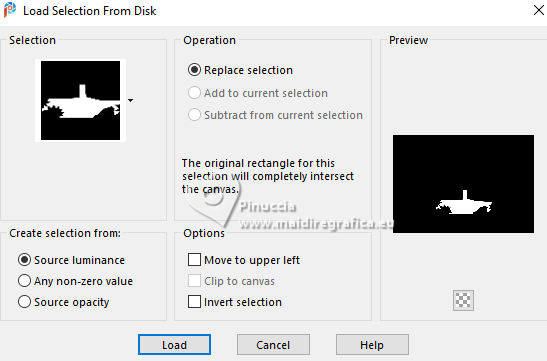
23. Selections>Load/Save Selection>Load Selection from Disk.
Look for and load the selection sel.47.nines
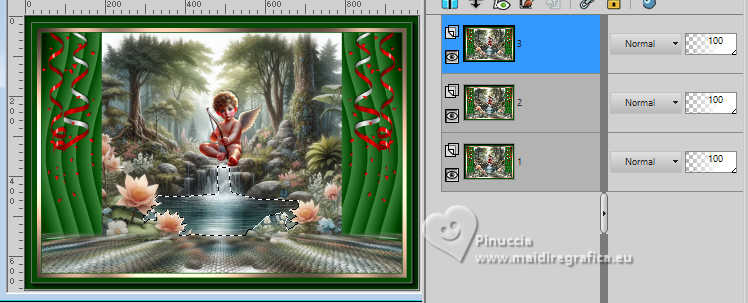
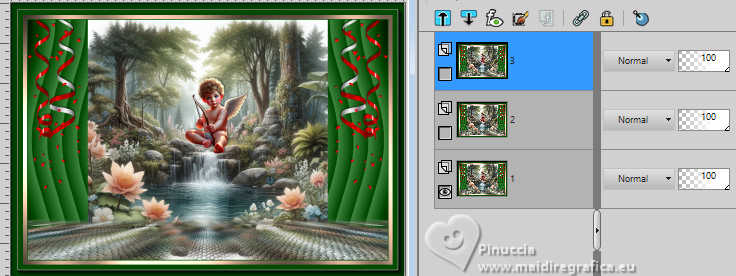
24. Layers>Duplicate, 2 times, and we have 3 equal layers.
Rename the layers from the bottom 1,2,3.
25. Activate your bottom layer, 1
Effects>Plugins>Eye Candy 4000 - Jiggles
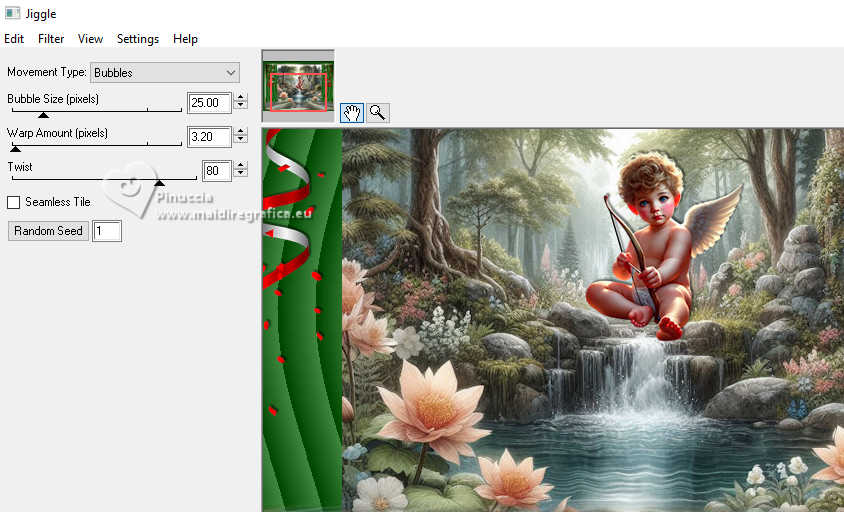
26. Activate the layer above, 2
Repeat Effects>Plugins>Eye Candy 4000 - Jiggles, same settings, but click 1 time on Random and ok.
the setting is random; don't worry is the number is not as mine
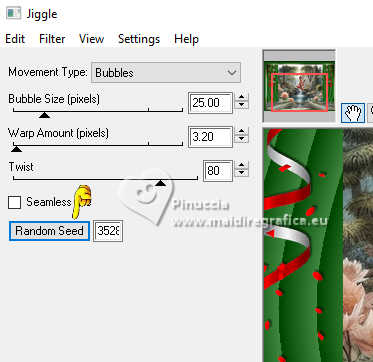
27. Close this layer and activate the layer above, 3
Repeat Effects>Plugins>Eye Candy 4000 - Jiggles, click on Random and ok.
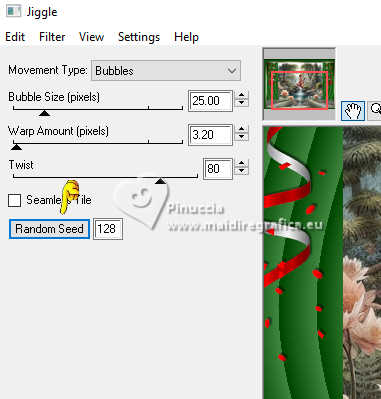
Close this layer.
Selections>Select None and stay on the top layer.
28. Open the tube 8653-LuzCristina 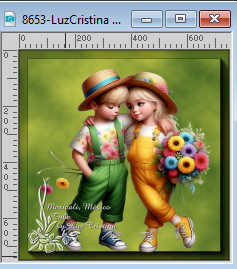
Edit>Copy.
Go back to your work and go to Edit>Paste as new layer.
Image>Resize, to 70%, resize all layers not checked.
Move the tube to the right side.
29. Effects>3D Effects>Drop shadow, color #000000.
Animation
30. The layers 2 and 3 are closed: you can stay always on the top layer.
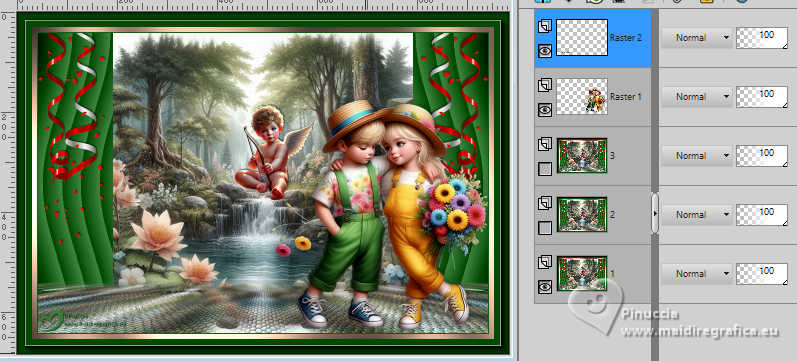
Edit>Copy Special>Copy Merged.
Open Animation Shop and go to Edit>Paste>Paste as new animation.
31. Go back to PSP.
Close the layer 1 and open the layer 2
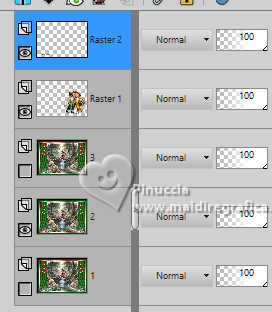
Edit>Copy Special>Copy Merged.
Go back to Animation Shop and go to Edit>Paste>Paste after the current frame.
32. On PSP.
Close the layer 2 and open the layer 3
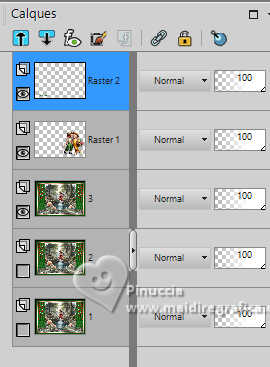
Edit>Copy Special>Copy Merged.
Go back to Animation Shop and go to Edit>Paste>Paste after the current frame.
33. Edit>Select All.
Animation>Frame Proprierties and set to 25

34. Check the result click on View Animation 
and save as gif.
For the tubes of this version thanks Wieskes and ElFairy
If you have problems or doubts, or you find a not worked link, or only for tell me that you enjoyed this tutorial, write to me.
2 February 2025

|