|
TOP HOLIDAY

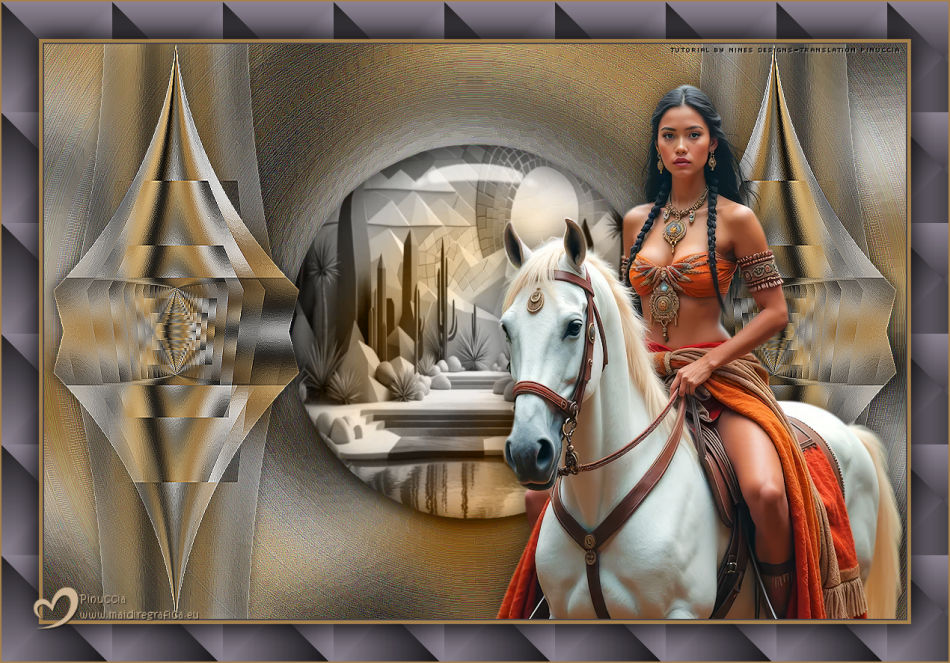
This tutorial was translated with PSPX9 and PSP2020, but it can also be made using other versions of PSP.
Since version PSP X4, Image>Mirror was replaced with Image>Flip Horizontal,
and Image>Flip with Image>Flip Vertical, there are some variables.
In versions X5 and X6, the functions have been improved by making available the Objects menu.
In the latest version X7 command Image>Mirror and Image>Flip returned, but with new differences.
See my schedule here
 French translation here French translation here
 Your versions here Your versions here
For this tutorial, you will need:

Thanks for the tubes Kamil.
(you find here the links to the material authors' sites)
consult, if necessary, my filter section here
Filters Unlimited 2.0 here
FM Tile Tools - Saturation Emboss here
Alien Skin Eye Candy 5 Impact - Glass here
Filter Factory Gallery A - Holidays in Egypt here
Filters Factory Gallery can be used alone or imported into Filters Unlimited.
(How do, you see here)
If a plugin supplied appears with this icon  it must necessarily be imported into Unlimited it must necessarily be imported into Unlimited

You can change Blend Modes according to your colors.

1. Open KamilTube-2882-BG
Duplicate (Window>Duplicate or Ctrl+D on the keyboard) the image and close the original.
The copy will be the basis of your work.
2. Layers>Promote Background Layer.
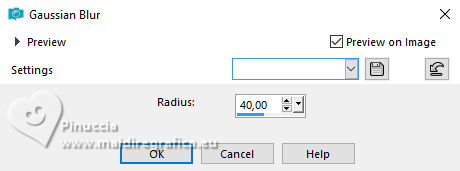
3. Adjust>Blur>Gaussian Blur - radius 40.
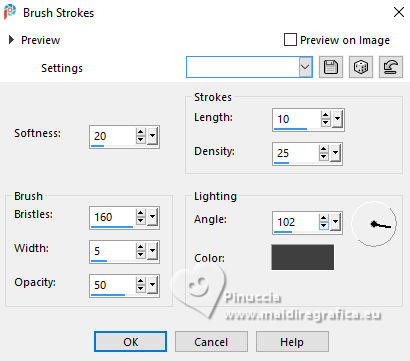
4. Effects>Art Media Effects>Brush Strokes, color #404040.
5. Open adorno_holiday_nines 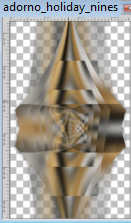
Edit>Copy.
Go back to your work and go to Edit>Paste as new layer.
6. Effects>Image Effects>Offset.
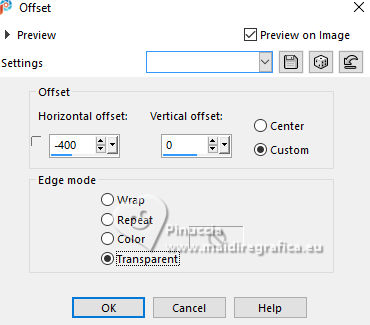
Effects>Edge Effects>Enhance.
7. Effects>3D Effects>Drop Shadow, color #000000.
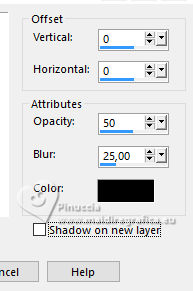
8. Layers>Duplicate.
Image>Mirror>Mirror Horizontal.
Layers>Merge>Merge Down.
9. Layers>Duplicate.
Activate the layer below of the original.
Adjust>Blur>Radial Blur.
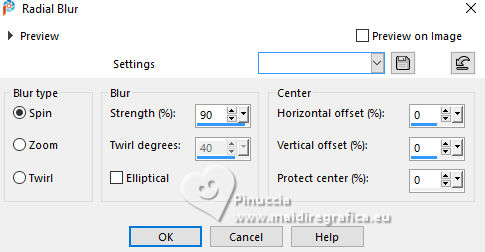
Effects>Edge Effects>Enhance More - 2 times.
10. Effets>Modules Externes>FM Tile Tools - Saturation Emboss, default settings.
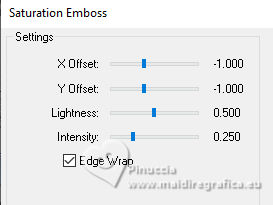
11. Selections>Load/Save Selection>Load Selection from Disk.
Look for and load the selection sel.541.nines
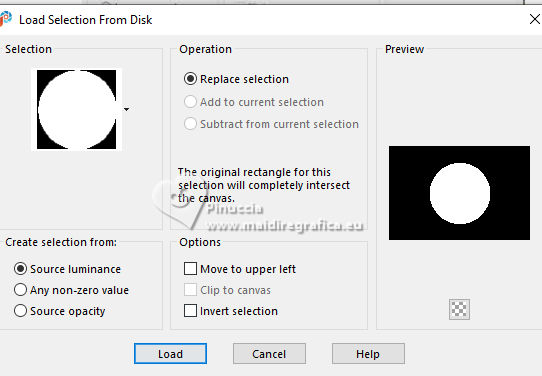
12. Layers>New Raster Layer.
Open KamilTube-5033-BG 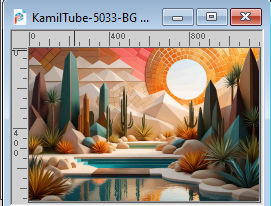
Edit>Copy.
Go back to your work and go to Edit>Paste into Selection.
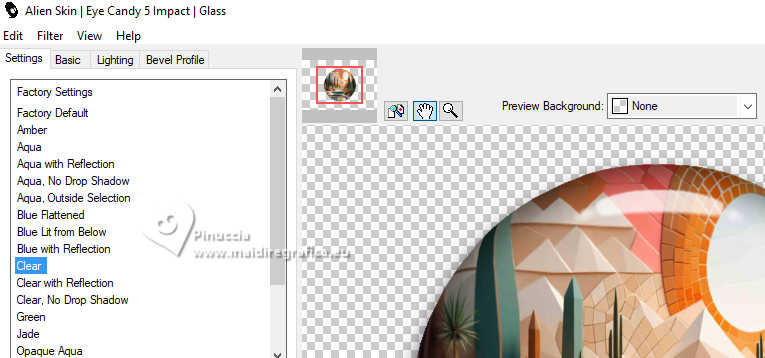
13. Effects>Plugins>Alien Skin Eye Candy 5 Impact - Glass.
Select the preset Clear and ok.
Selections>Select None.
Change the Blend Mode of this layer to Luminance (legacy).
14. Open the tube KamilTube-4990 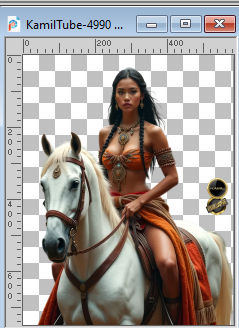
Erase the watermark and go to Edit>Copy.
Go back to your work and go to Edit>Paste as new layer.
Move  the tube to the right. the tube to the right.
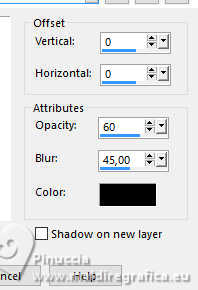
15. Effects>3D Effects>Drop Shadow, color #000000.
16. Adjust>Brightness and Contrast>Clarify.
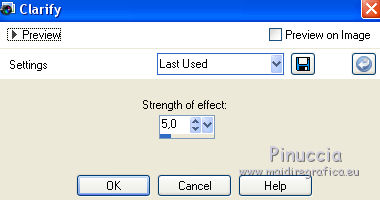
This effect is only found up to the PSPX2 versions.
Below is the image before and after applying the effect.
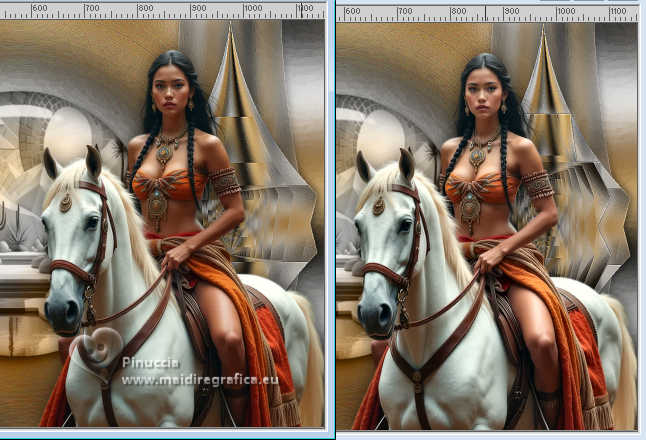
You can skip the step, or choose another effect of the Adjust's menu.
For my example, I choose Adjust>One Step Photo Fix.
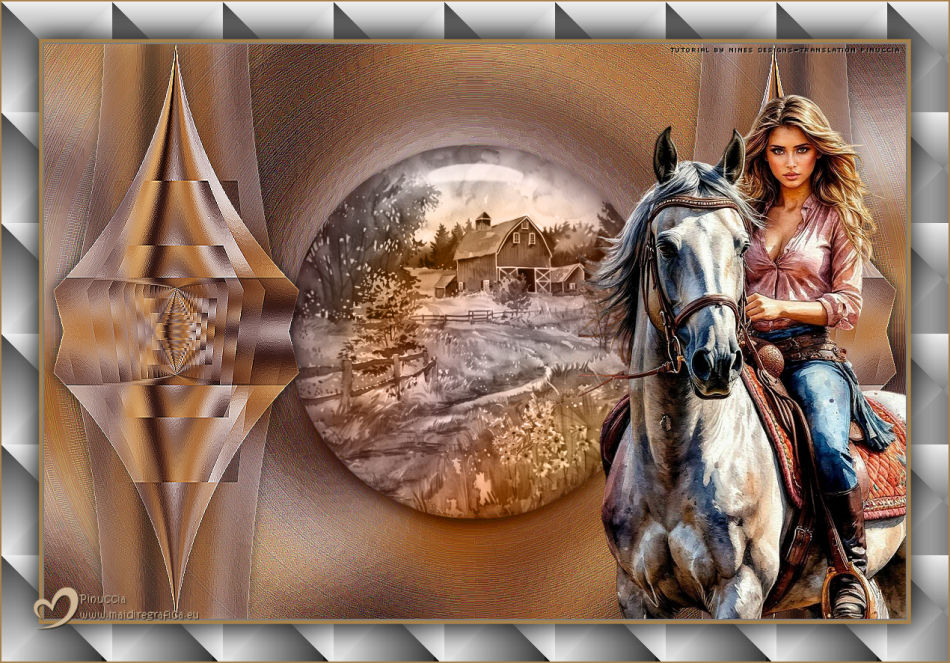
17. Layers>Merge>Merge All.
18. Image>Add Borders, 2 pixels, symmetric, color #464249.
Image>Add Borders, 5 pixels, symmetric, color #a6814c.
Image>Add Borders, 50 pixels, symmetric, color #464249.
19. Activate your Magic Wand Tool 
and click in the last border to select it.
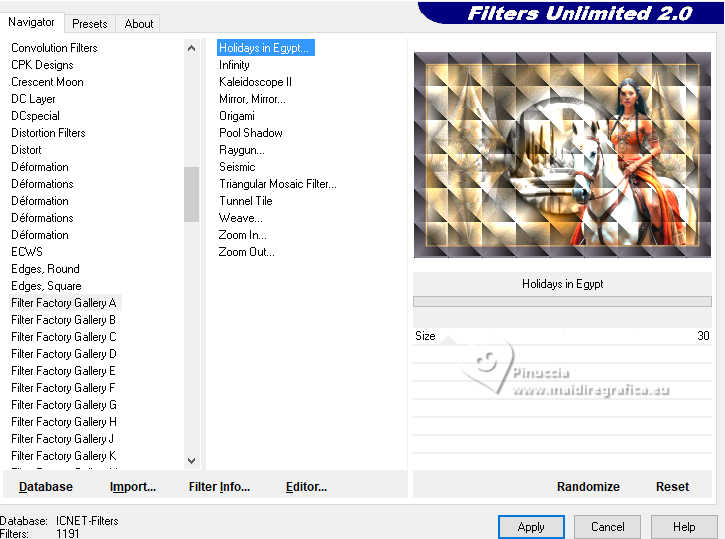
20. Effects>Plugins>Filters Unlimited 2.0 - Factory Gallery A - Holidays in Egypt.
21. Selections>Invert.
Effects>3D Effects>Drop Shadow, same settings.
Edit>Repeat Drop Shadow.
Selections>Select None.
22. Sign your work.
Add the author's watermark, without forgetting the translator's
23. Image>Add Borders, 2 pixels, symmetric, color #a6814c.
24. Image>Resize, to 80%, resize all layers checked.
Save as jpg.
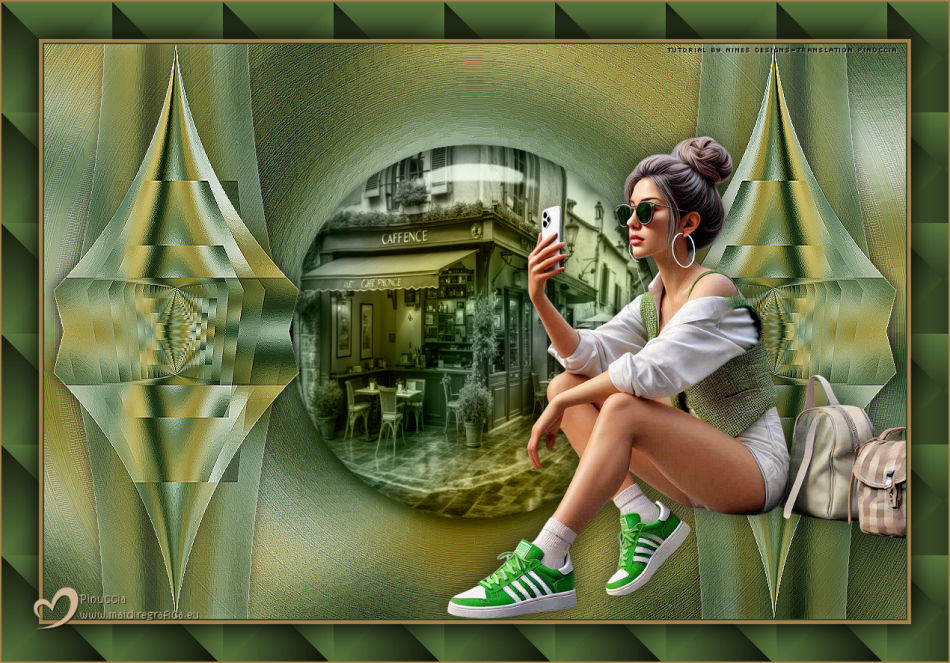
 Your versions here Your versions here

If you have problems or doubts, or you find a not worked link, or only for tell me that you enjoyed this tutorial, write to me.
27 October 2025

|