|
AGOSTO DE MAR

Thanks Yedralina for your invitation to translate your tutorials into english
This tutorial was written with PSP2020 and translated with PSPX9, PSPX8 and PSP2020, but it can also be made using other versions of PSP.
Since version PSP X4, Image>Mirror was replaced with Image>Flip Horizontal,
and Image>Flip with Image>Flip Vertical, there are some variables.
In versions X5 and X6, the functions have been improved by making available the Objects menu.
In the latest version X7 command Image>Mirror and Image>Flip returned, but with new differences.
See my schedule here
 italian translation here italian translation here
 french translation here french translation here
 your versions here your versions here
For this tutorial, you will need:

For the tube thanks Kamil and Cat Dana.
The rest of the material is by Yedralina.
(The links of the tubemakers here).

consult, if necessary, my filter section here
Filters Unlimited 2.0 here
RCS Filter Pak 1.0 - RCS TripleExposure here
Mehdi - Sorting Tiles here
Simple - Top Left Mirror here
Simple - Left Right Wrap (bonus) here
AAA Frames - Foto Frame here
Filters RCS Filter Pak and Graphics Plus can be used alone or imported into Filters Unlimited.
(How do, you see here)
If a plugin supplied appears with this icon  it must necessarily be imported into Unlimited it must necessarily be imported into Unlimited

You can change Blend Modes according to your colors.
In the newest versions of PSP, you don't find the foreground/background gradient (Corel_06_029).
You can use the gradients of the older versions.
The Gradient of CorelX here

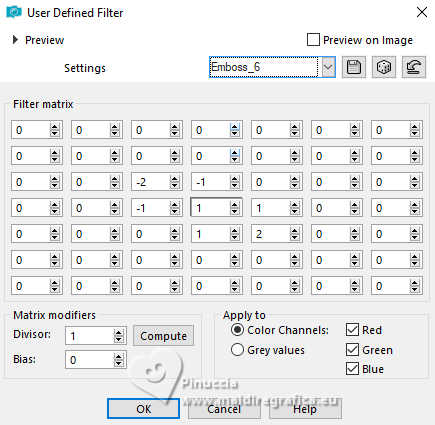
Copy the preset Emboss 6 in the Presets Folder.
If you have problems with alpha channel,
open a new transparent image 1000 x 700 pixels,
and use the selection from disk (to copy in the Selections Folder).
Colors
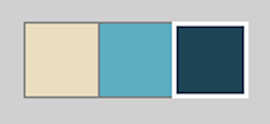
Set your foreground color to #ebdec0
and your background color to #5dadc2.
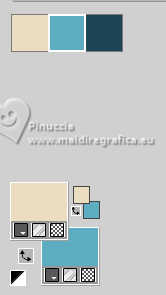
color 3 #1e4656.
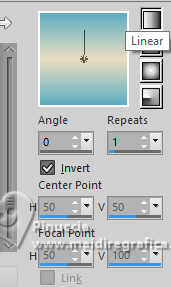
Set your foreground color to a Foreground/Background Gradient, style Linear.
1. Open CanalAlpha_agosto
This image, that will be the basis of your work, is not empty,
but contains the selections saved to alpha channel.
Flood Fill  the transparent image with your Gradient. the transparent image with your Gradient.
2. Selections>Select All.
Open the misted 2025 05 20 Cat Dana N 14 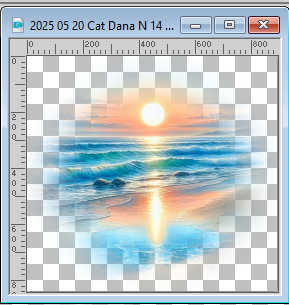
Edit>Copy.
Go back to your work and go to Edit>Paste into Selection.
Selections>Select None.
3. Effects>Image Effects>Seamless Tiling, Side by Side.
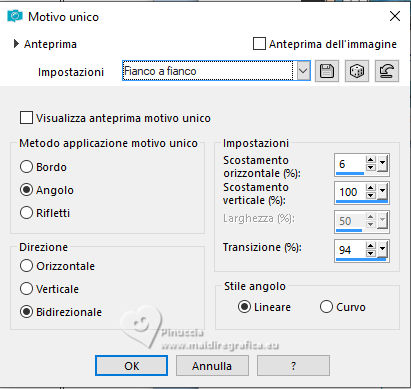
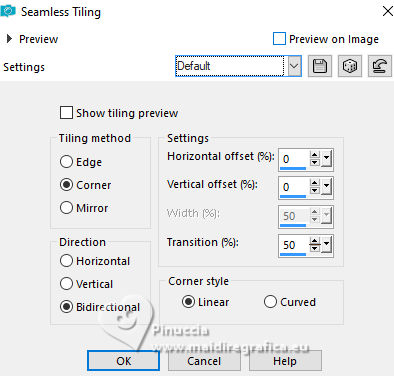
4. Effects>Image Effects>Seamless Tiling, default settings.
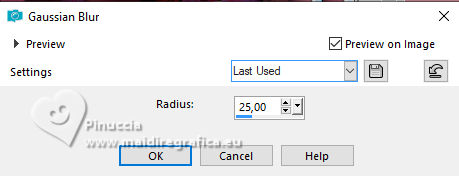
Adjust>Blur>Gaussian Blur - radius 25.
Layers>Duplicate.
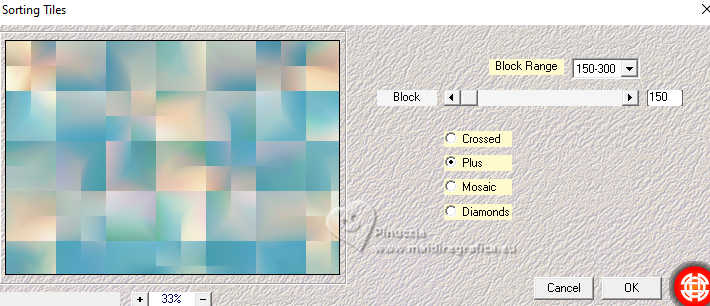
5. Effects>Plugins>Mehdi - Sorting Tiles.
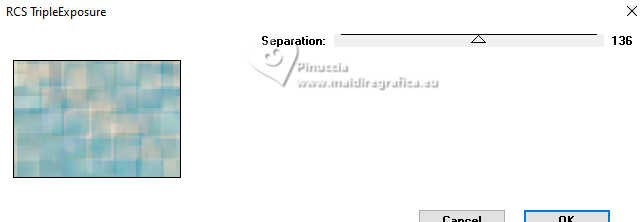
6. Effects>Plugins>RCS Filter Pak 1.0 - RCS TripleExposure.
Effects>Edge Effects>Enhance More.
7. Effects>Plugins>Simple - Left Right Wrap.
Image>Mirror>Mirror vertical (Image>Flip).
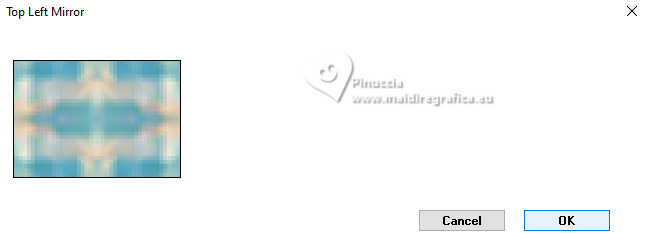
8. Effects>Plugins>Simple - Top Left Mirror.
9. Optional: Effects>User Defined Filter - select the preset Emboss 6.
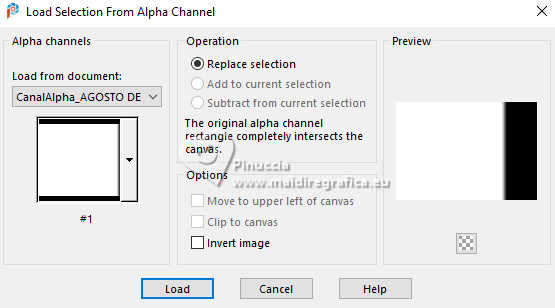
10. Selections>Load/Save Selection>Load Selection from Alpha Channel.
The selection #1 is immediately available. You just have to click Load
(or Selection from Disk ©Yedralina_Sel0928).
11. Press CANC on the keyboard 
Selections>Select None.
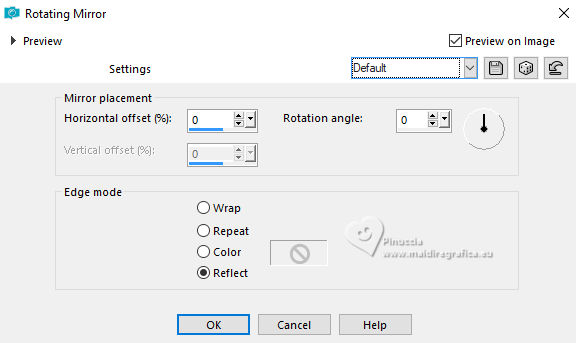
12. Effects>Reflection Effects>Rotating Mirror, default settings.
Layers>Merge>Merge Down.
13. Open deco 1_yedra 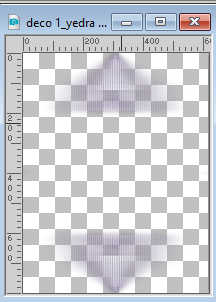
Edit>Copy.
Go back to your work and go to Edit>Paste as new layer.
K key to activate your Pick Tool 
Position X: 0,00 - Position Y: -51,00.

Change the Blend Mode of this layer to Luminance (legacy).
14. Open deco 2_yedra 
Edit>Copy.
Go back to your work and go to Edit>Paste as new layer.
It is not necessary move it.
15. Layers>New Raster Layer.
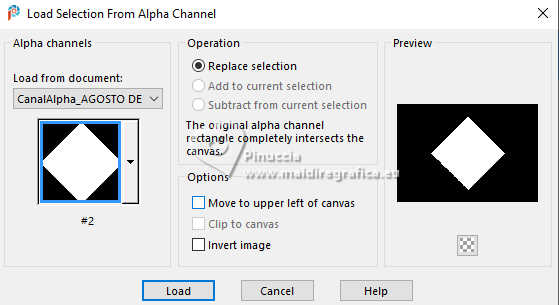
16. Selections>Load/Save Selection>Load Selection from Alpha Channel.
Open the Selections menu and load the selection #2 (from disk ©Yedralina_Sel0929).
17. Activate again the misted 2025 05 20 Cat Dana N 14 and go to Edit>Copy.
Go back to your work and go to Edit>Paste into selection.
Layers>Duplicate.
18. Effects>Art Media Effects>Brush Strokes.
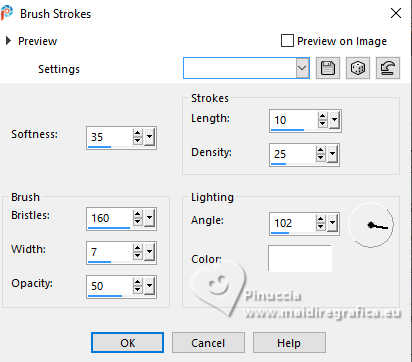
19. Reduce the opacity of this layer +/65%, according to the colors of your misted.
Selections>Select None.
20. Layers>Arrange>Move Down.
Activate your top layer.
21. Image>Resize, to 75%, resize all layers not checked.
22. Open the misted 3588©Yedralina 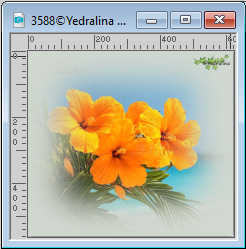
Edit>Copy.
Go back to your work and go to Edit>Paste as new layer.
Image>Resize, to 55%, resize all layers not checked.
Adjust>Sharpness>Sharpen.
Move  the tube to the left side. the tube to the left side.
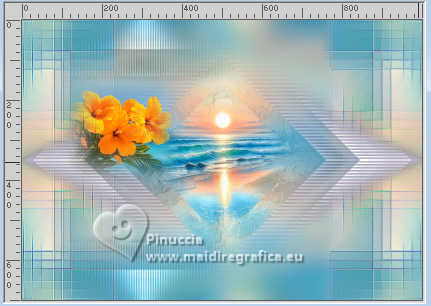
23. Image>Add Borders, 1 pixel, symmetric, foreground color.
Image>Add Borders, 1 pixel, symmetric, background color.
24. Selections>Select All.
Edit>Copy
25. Image>Add Borders, 10 pixels, symmetric, background color.
26. Effects>3D Effects>Drop Shadow, color 3 #1e4656.

27. Image>Add Borders, 1 pixel, symmetric, background color.
Image>Add Borders, 1 pixel, symmetric, foreground color.
28. Selections>Select All.
Image>Add Borders, 40 pixels, symmetric, background color.
Selections>Invert.
29. Edit>Paste into Selection - image in memory from the step 24.
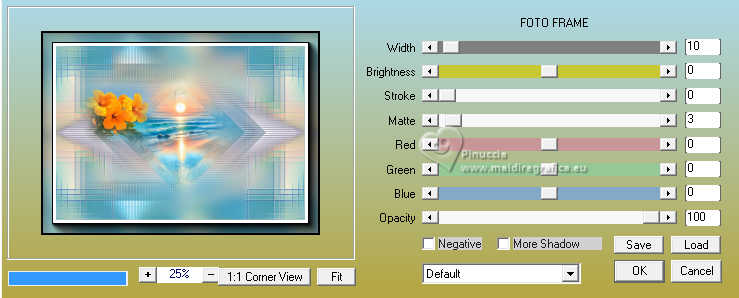
30. Effects>Plugins>AAA Frames - Foto Frame.
31. Open your main tube KamilTube-5006 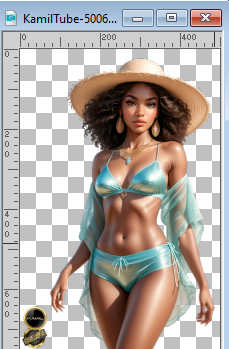
Erase the watermark and go to Edit>Copy.
Go back to your work and go to Edit>Paste as new layer.
Move the tube to the right side.
Effects>3D Effects>Drop Shadow, at your choice.
32. Open the title Tit_AGOSTO_yedra 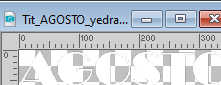
Edit>Copy.
Go back to your work and go to Edit>Paste as new layer.
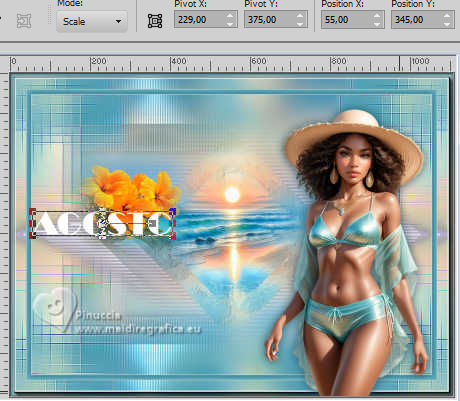
Pick Tool (K)
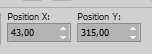
Position X: 43,00 - Position Y: 315,00.
For my example I did
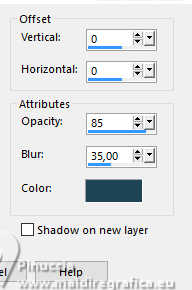
Effects>3D Effects>Drop shadow, color 3 #1e4656.
33. Open Text_AGOSTO_yedra 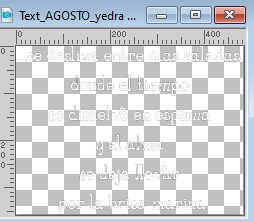
Edit>Copy.
Go back to your work and go to Edit>Paste as new layer.
image>Resize, to 80%, resize all layers not checked.
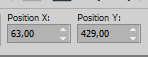
Position X: 63,00 - Position Y: 429,00.
Effects>3D Effects>Drop Shadow, same settings.
***
If you want to write the texte in your language:
font Broadway for the text AGOSTO

For the text font ZP Sugar Rush

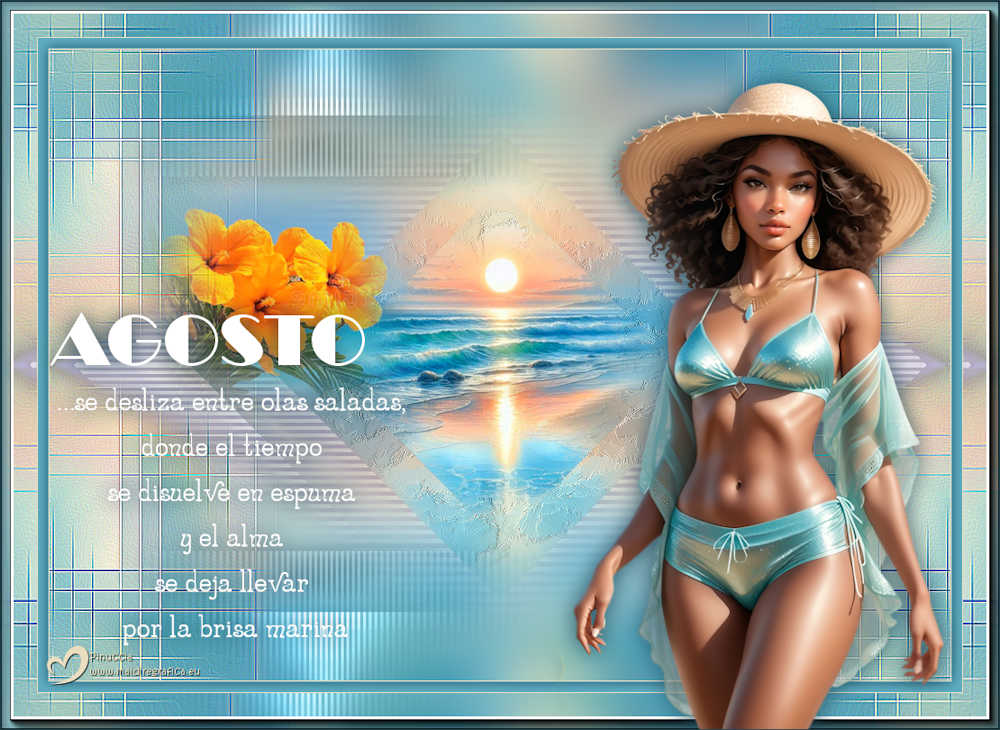
…se desliza entre olas saladas,
donde el tiempo
se disuelve en espuma
y el alma
se deja llevar
por la brisa marina
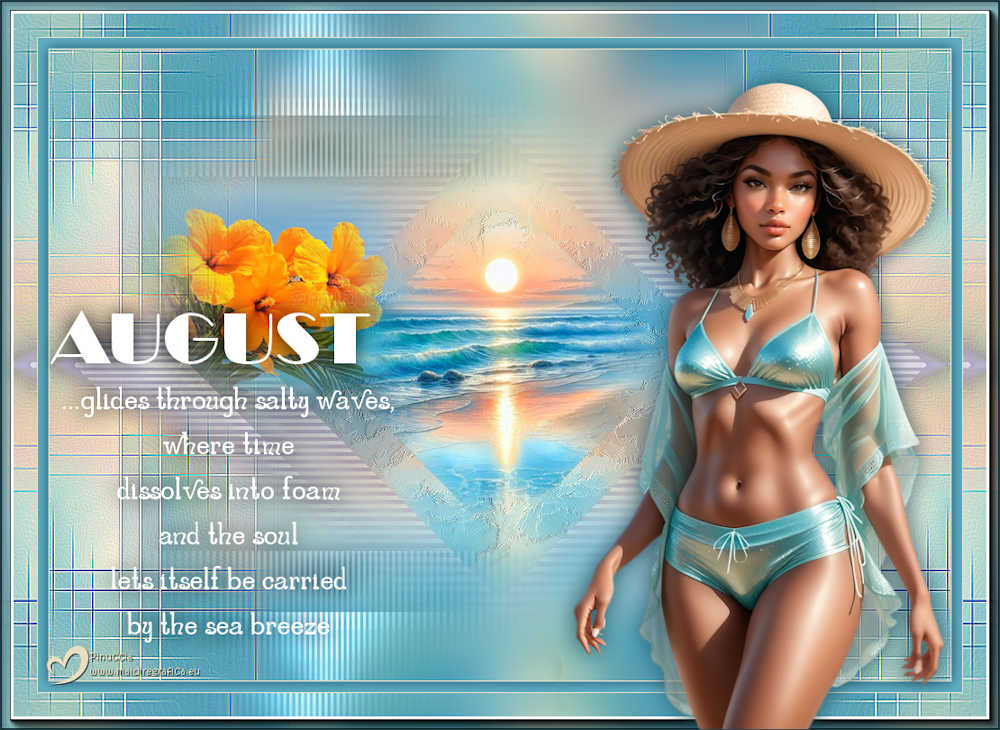
...glides through salty waves,
where time
dissolves into foam
and the soul
lets itself be carried
by the sea breeze
...scivola tra onde salate,
dove il tempo
si dissolve in schiuma
e l'anima
si lascia trasportare
dalla brezza marina
...glisse sur les vagues salées,
où le temps
se dissout en écume
et où l'âme
se laisse porter
par la brise marine
34. Image>Add Borders, 1 pixel, symmetric, color3 3 #1e4656.
35. Image>Resize, 1000 pixels width, resize all layers checked.
36. Sign your work and save as jpg.
For the tubes of this version thanks Virginia, Cat Dana and Silvie
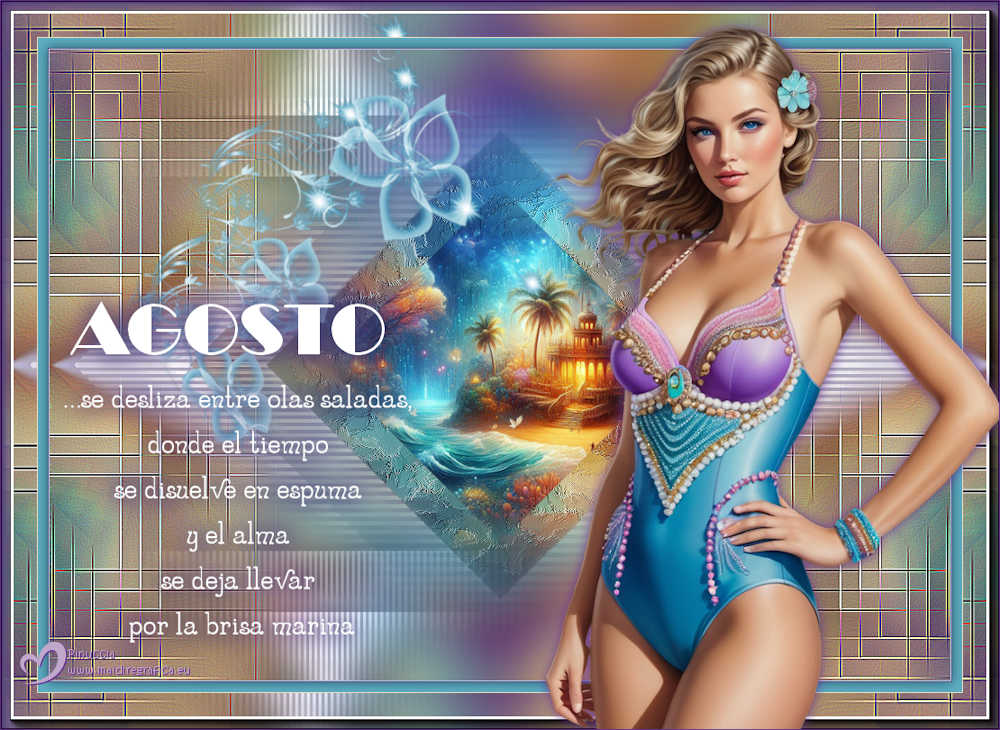
If you have problems or doubts, or you find a not worked link, or only for tell me that you enjoyed this tutorial, write to me.
14 August 2025

|