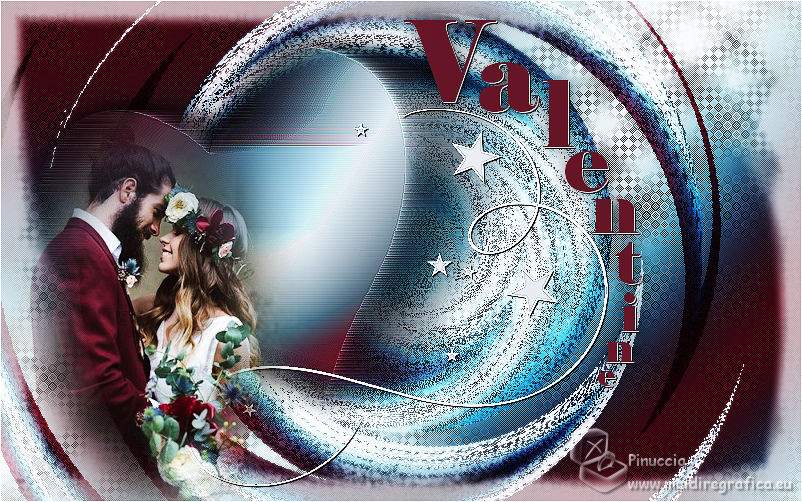
VALENTINE

Thanks Brigitte for your invitation to translate

Clic and move the brush to follow the tutorial.

To print


|
This tutorial was translated with PSPX9 and PSP2020, but it can also be made using other versions of PSP.
Since version PSP X4, Image>Mirror was replaced with Image>Flip Horizontal,
and Image>Flip with Image>Flip Vertical, there are some variables.
In versions X5 and X6, the functions have been improved by making available the Objects menu.
In the latest version X7 command Image>Mirror and Image>Flip returned, but with new differences.
See my schedule here
 italian translation here italian translation here
 your versions here your versions here

Necessary

(The links of the tubemakers here).
consult, if necessary, my filter section here
Mehdi - Wavy Lab here
L&K's - L&K's Palmyre here
VanDerLee - Unplugged-X here
Nik Software - Color Efex Pro here

You can change Blend Modes according to your colors.

Copy the selections in the Selections Folder.
Set you foreground color to #712c3f
and your background color to #dbe0e6.
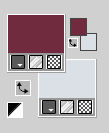
color 3 (for Mehdi #628193)
1. Open a new transparent image 800 x 500 pixels.
2. Effects>Plugins>Mehdi - Wavy Lab
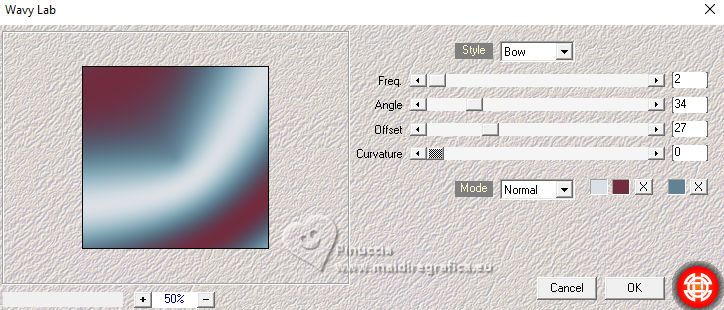
This filter creates gradients with the colors of your Materials palette.
The first is your background color, the second is your foreground color.
Change the last color created by the filtre with #628193.
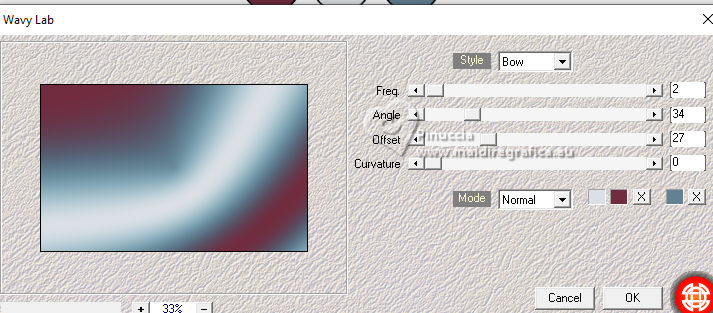
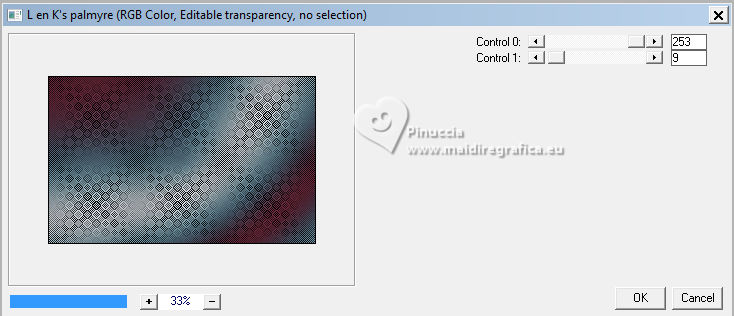
3. Layers>Duplicate.
Effects>Plugins>L&K's - L&K's Palmyre.
4. Change the Blend Mode of this layer to Hard Light,
and reduce the opacity to 77%.
Layers>Merge>Merge visible.
5. Selections>Load/Save Selection>Load Selection from Disk.
Look for and load the selection Sel-les3 Pink
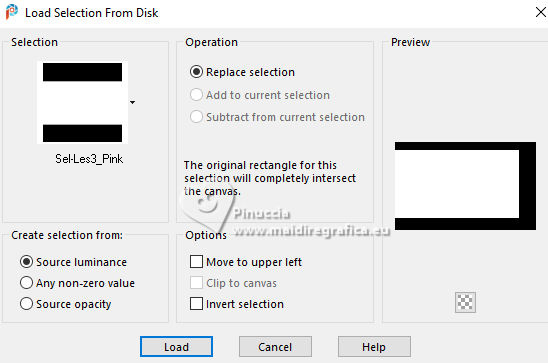
6. Selections>Promote Selection to Layer.
Selections>Select None.
7. Effects>Plugins>VanDerLee - Unplugged-X - Radial Waves
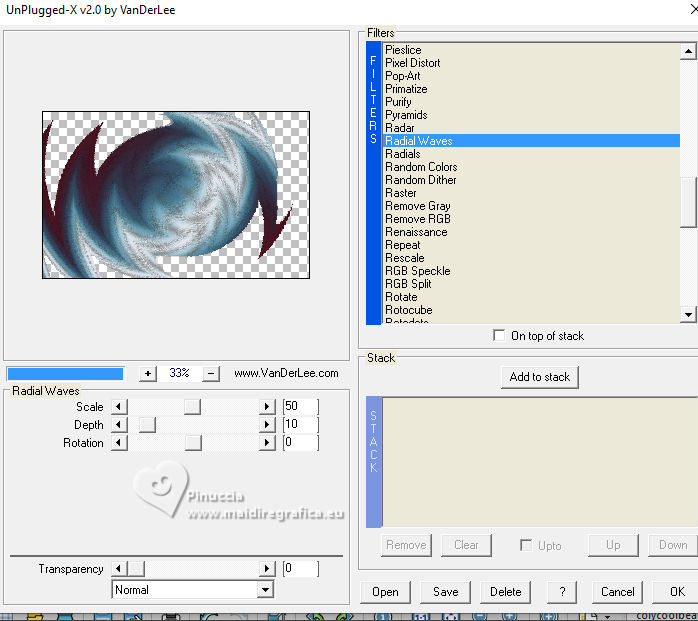
8. Change the Blend Mode of this layer to Hard Light.
Layers>Merge>Merge visible.
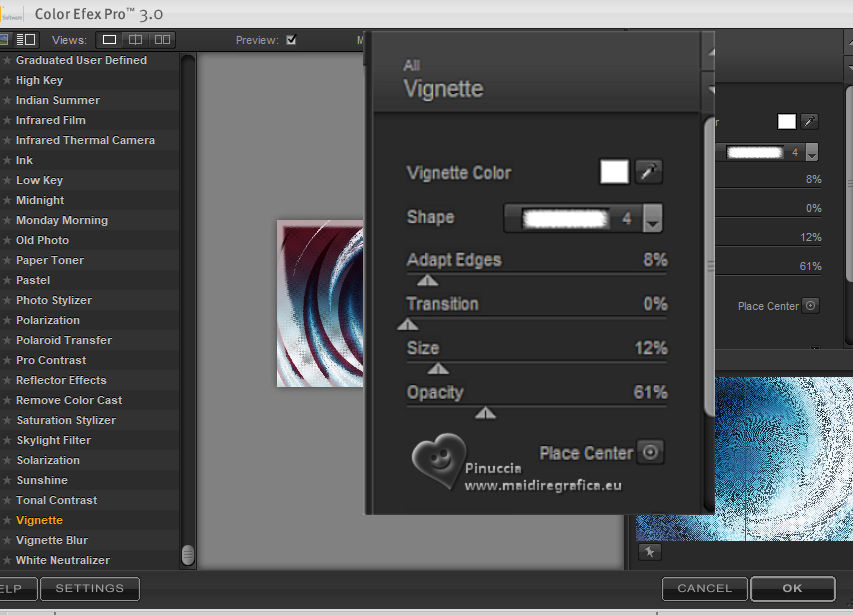
9. Effects>Plugins>Nik Software - Color Efex - Vignette
10. Layers>New Raster Layer.
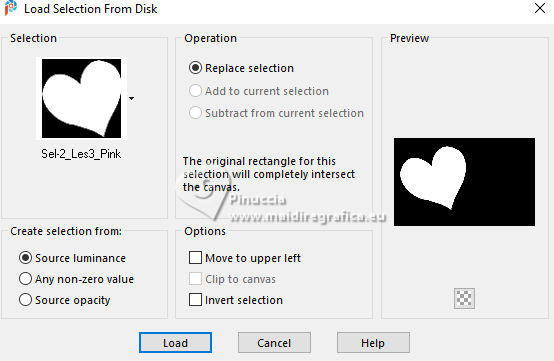
Selections>Load/Save Selection>Load Selection from Disk.
Look for and load the selection Sel-2-les3 Pink
11. Effects>Plugins>Mehdi - Wavy Lab, last settings.
Selections>Select None.
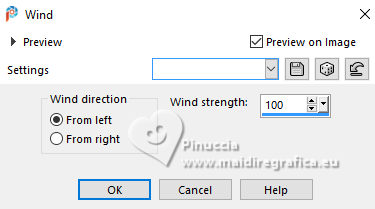
12. Effects>Distortion Effects>Wind - from left, strength 100.
13. Effects>Edge Effects>Enhance More.
Adjust>Sharpness>Sharpen.
14. Effects>3D Effects>Drop Shadow, color black.
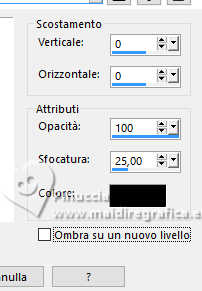
Edit>Repeat Drop Shadow.
15. Layers>New Raster Layer.
Selections>Load/Save Selection>Load Selection from Disk.
Look for and load the selection Sel-3-les3 Pink
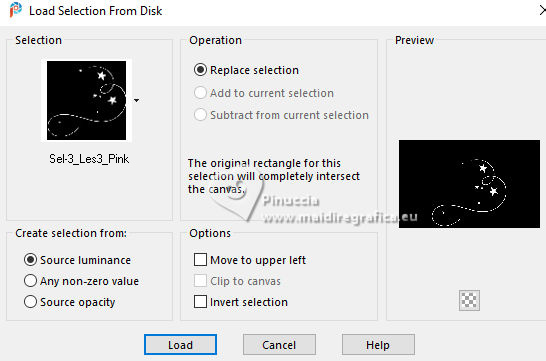
16. Flood Fill  the selection with your light background color. the selection with your light background color.
Selections>Select None.
17. Effects>Edge Effects>Enhance More.
Effects>Edge Effects>Enhance.
18. Effects>3D Effects>Drop Shadow, color black.
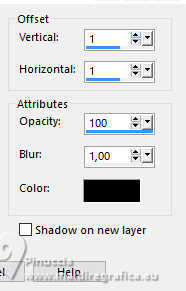
19. Layers>New Raster Layer.
Selections>Load/Save Selection>Load Selection from Disk.
Look for and load the selection Sel-4-les3 Pink
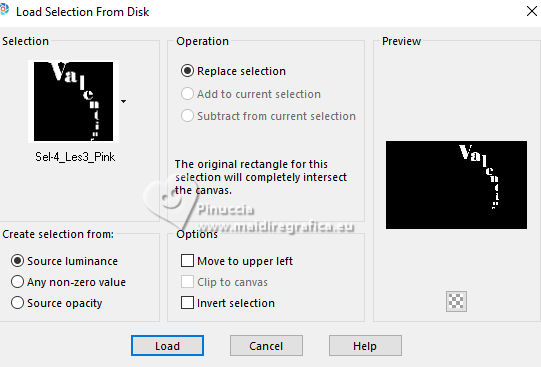
20. Flood Fill the selection with your dark foreground color.
Selections>Select None.
21. Effects>3D Effects>Drop Shadow, color white.
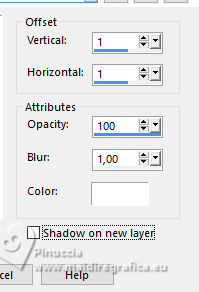
Effects>3D Effects>Drop Shadow, color black.
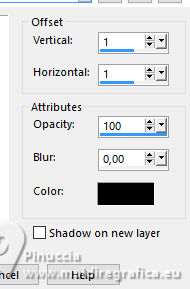
Effects>3D Effects>Drop Shadow, color black.
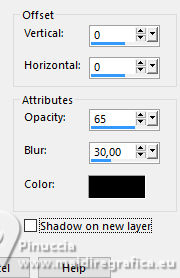
22. Open the misted Misted tube Les 3_Pink 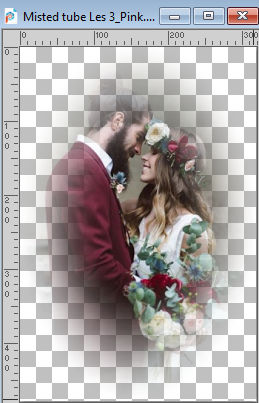
Edit>Copy.
Go back to your work and go to Edit>Paste as new layer.
Move  the tube at the bottom left. the tube at the bottom left.
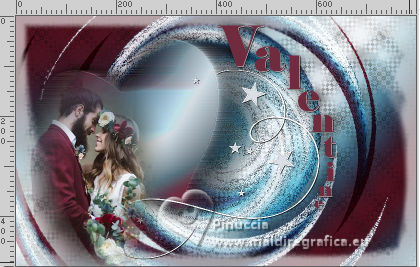
23. Image>Add Borders, 1 pixel, symmetric, color white.
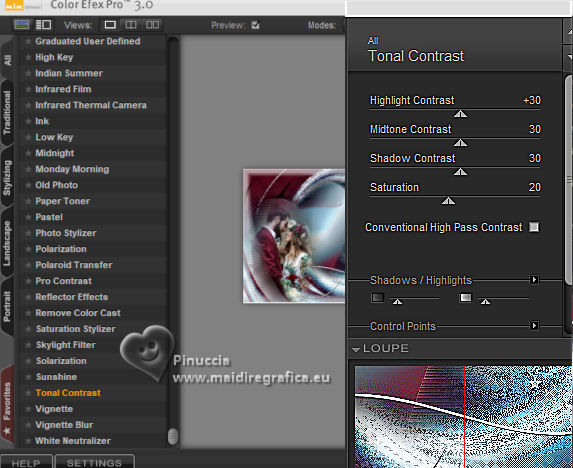
24. Effects>Plugins>Nik Software - Color Efex Pro - Tonal Contrast
25. Change the Blend Mode of this layer to Hard Light
and reduce the opacity to 66%.
26. Sign your work.
Layers>Merge>Merge All and save as jpg.
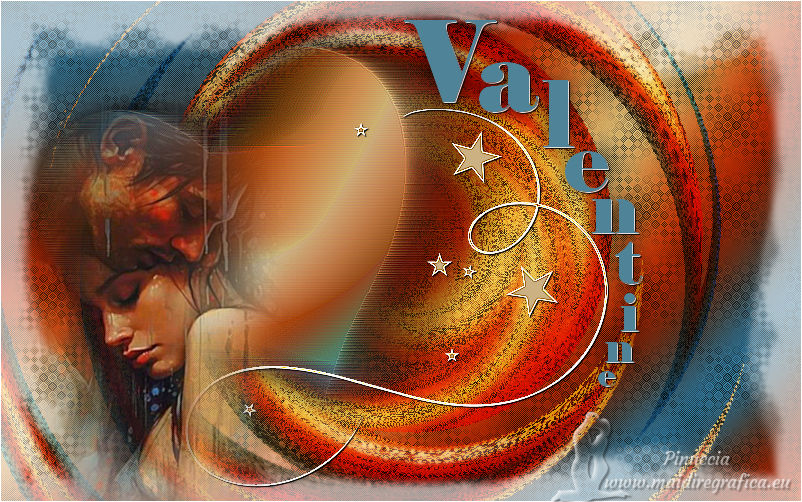
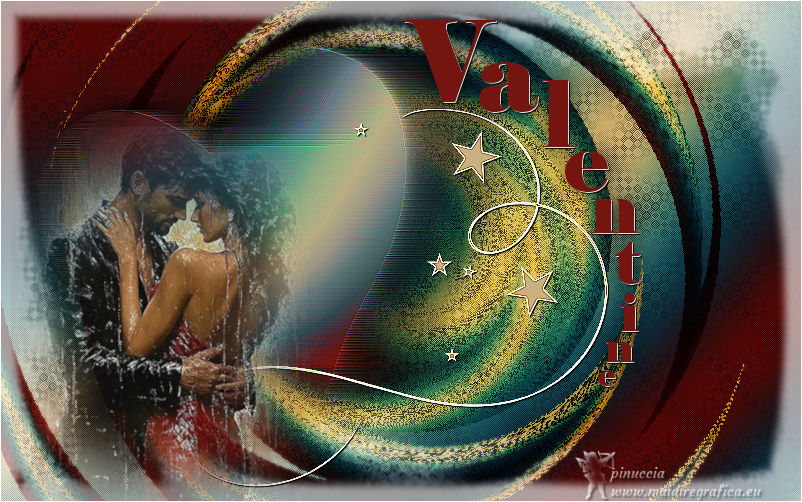
Version with my tube (from Pinterest images)

If you have problems or doubts, or you find a not worked link,
or only for tell me that you enjoyed this tutorial, write to me.
4 February 2026

|